Sales & pre-construction
The 3D walkthrough as a sales tool your team uses to close
In short: For a sales team, a 3D walkthrough is an everyday working tool: it's used to show units in meetings, follow up with a link over WhatsApp or text, answer the questions that keep coming up, and show which units are still available.
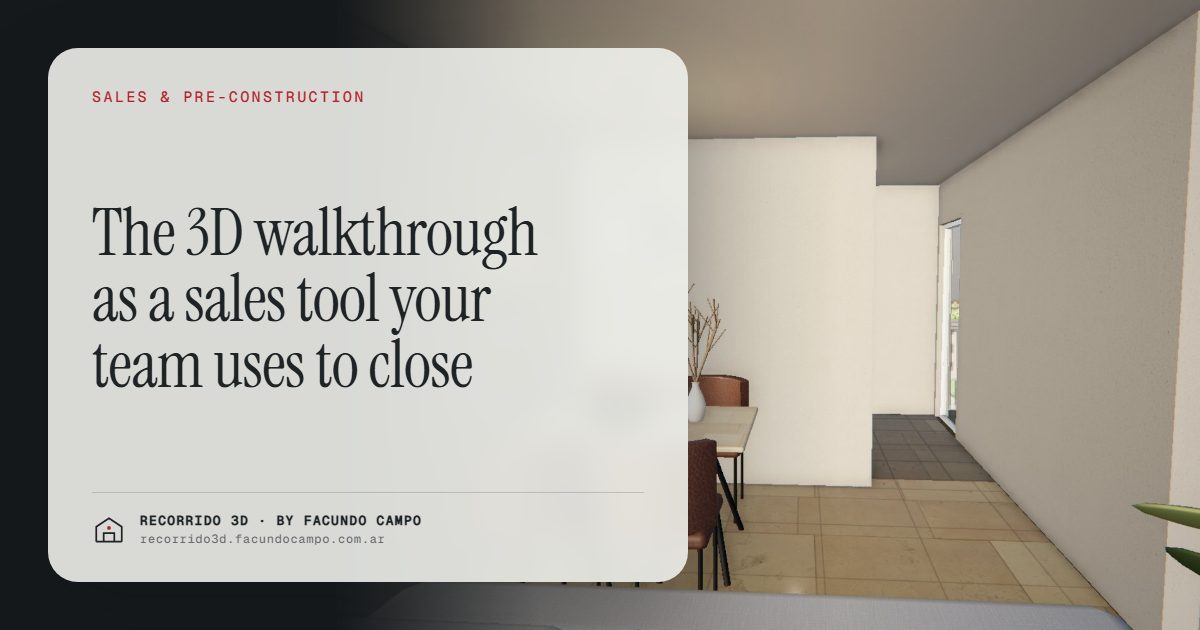
For a sales team, a 3D walkthrough is an everyday working tool. Agents use it in meetings to show the unit, in follow-up messages so the prospect can look again, to answer the questions that keep coming up, and to show what's still available. It's not an ad people watch once. It's something an agent opens twenty times a week.
What's missing for someone selling pre-construction today?
Selling a building that doesn't exist yet means working with a floor plan, a brochure and your ability to describe things. That has real limits:
- Every agent explains the project their own way, and not always the same way.
- The same questions ("Does the balcony face the street?", "Will a queen bed fit?") get answered over and over.
- After the meeting, the prospect leaves with a PDF and the conversation cools off.
- Knowing which units are left means checking a spreadsheet that isn't always at hand.
None of this has to do with the agent's talent. It has to do with the tools the developer gives them.
In the meeting: show instead of describe
In the sales office or over coffee with a prospect, the walkthrough on a tablet or screen changes the dynamic. The agent doesn't describe the apartment. They walk through it together with the buyer.
A typical meeting goes like this:
- Open the building view on its real block and get oriented.
- Tap the floor the buyer is interested in, and the floor plan appears with the units and their availability.
- Step into the unit and move from the front door to the balcony, room by room.
- Compare it with the same unit type on another floor, or with a different floor plan.
What's valuable is that the buyer takes part. They ask to go back to the kitchen, ask about the bedroom closet, want to see the balcony again. Every question is a buying signal the agent can read and use. You can try this in the Maconda XXIV building demo, an unofficial working demo based on a 12-story building in Quilmes, near Buenos Aires, marketed by Otamendi Propiedades.
In follow-up: a link instead of "did you think about it?"
Follow-up is where a lot of sales get lost. The agent writes "Did you get a chance to think about it?" and the prospect says "not yet," or doesn't answer at all. That message gives the buyer nothing new to think about.
With a walkthrough, follow-up has substance. A few messages that work better than "did you think about it?":
- "Here's the link to 6B, the one we looked at, in case you want to show your partner."
- "Sending you 3C. It's the same as the one you liked, but with the balcony facing the front."
- "Here's the living room in afternoon light, since that was your question."
Each one reopens the conversation with something concrete and gives the prospect a reason to look again. And since the link opens on a phone without installing anything, there's no friction.
The questions that repeat, answered once
There are questions every agent answers hundreds of times per project: what the finishes are like, how big the balcony is, whether the kitchen is open, what you see from the window, how the building looks from the street. Every spoken answer takes time and is a chance to give a different detail than a colleague did.
When the walkthrough shows all of that, the agent replies with the link and the conversation moves on to what matters: terms, payment plan, timelines. It also means buyers show up better informed, which is the topic of better-qualified inquiries.
Show availability without opening a spreadsheet
In the building view, each floor shows its units and their status. For the agent, that has two uses:
- It keeps the conversation on track. The buyer sees at a glance what's left and doesn't fall for a unit that's already sold.
- It prompts a decision. Seeing that only a few units of the type they like are left on a floor says more than anything the agent could say about demand. The buyer sees it themselves, with real information.
For this to work, availability has to be current. Decide who on the team reports each reservation so the unit status stays up to date. More in interactive unit selector.
One message for the whole team and partner agencies
When a project is sold by several agents, or by agencies marketing it in parallel, each one tells the story in their own words. Sometimes well, sometimes not so much. The walkthrough works as a shared pitch: everyone shows the same thing, with the same finishes, the same surroundings and the same availability.
It also makes onboarding easier for a new agent or an agency that joins late. Instead of a long training session on the project, they walk through the building, learn the floor plans and can show it confidently in an afternoon. If you market other developers' projects, there are more ideas in renders for real estate agencies.
How does it fit into the daily routine?
You don't need to change how you sell. You add the link at the points where you're already working:
- In the listing and on the website, so prospects arrive having already looked. It can be embedded on the developer's site.
- In the first reply over WhatsApp or text, with the link to the building.
- In the meeting, on a tablet or screen.
- In follow-up, with the link to the exact unit.
- At closing, so the buyer can confirm what they're reserving.
If your sales team needs more than a brochure to close, send me a message on WhatsApp at +54 9 11 6193-3176 or email facundocampo100@gmail.com. I work remotely from Buenos Aires, answer in English or Spanish, and we can see how your project would look. You can also read how this speeds up the pre-construction stage in how to sell a pre-sale faster.
Frequently asked questions
Does the agent need special equipment to show the walkthrough?
No. It opens in the browser on a phone, tablet or computer, without installing anything. For meetings, a tablet or a large screen makes it comfortable for two or more people to watch.
Can I send a link to a specific unit?
Yes. Besides the link to the whole building, you can send a direct link to the unit each person was interested in, which is the most useful thing in follow-up.
Does it work for agencies selling the project in parallel?
Yes. They all show the same material with the same information, which keeps the project from being described differently depending on who's selling it.
Does it work for selling houses too?
Yes. With catalog homes, the agent can walk through the model with the client and send them the link afterward. See the Americana 35.64 house demo, an unofficial working demo based on a Viviendas Roca model.
