3D walkthroughs
Lightweight 3D models for websites, apps and games: when they make sense
In short: A lightweight (low poly) 3D model is built to open fast on any phone and react the moment someone touches it. It makes sense when the 3D has to live inside a website, an app, a configurator or a game, not just in images or videos.
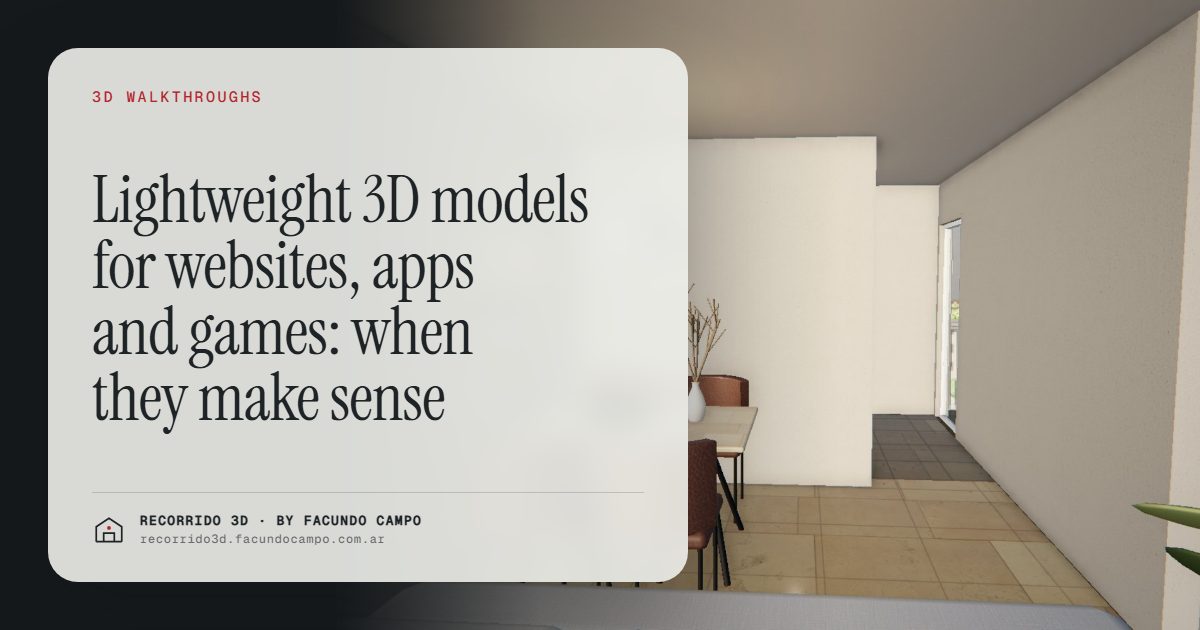
A lightweight 3D model, often called low poly, is a model built to open fast on any phone and react instantly when someone taps it, spins it or changes it. You want one when the 3D has to live inside a website, an app, a configurator or a game. If all you need is images or a video for an ad, a photorealistic model is the better fit. If you need your customer to interact with it, go lightweight.
What's the difference between a lightweight model and a photorealistic one?
It isn't about quality. It's about where the model ends up:
- Photorealistic model: it's used to produce images, videos and walkthroughs that look like photographs. Your buyer never gets the model itself, only what comes out of it. See what an architectural rendering is.
- Lightweight model: your buyer has it on their own screen and handles it. It has to load quickly, run smoothly on a mid-range phone and not drain the battery or the data plan.
Done well, a lightweight model looks clean and believable. It isn't an "ugly" version of the photorealistic one. It's a piece designed for a different job.
What does it do for a business?
It loads fast on any phone
Your customer doesn't have your office computer. They have a phone, often on mobile data, and not much patience. If the 3D takes too long to open, they're gone before they see it. A lightweight model is built for exactly that moment: it opens quickly and works with a finger, with nothing to install.
Configurators
A configurator lets the buyer make choices and see the result right away: the facade color, the kitchen countertop, the bathroom tile, the number of bedrooms on a catalog home. That keeps the sale organized, because the customer reaches out with their choices already made, and it opens the door to selling upgrades and add-ons. I cover that side in defending the price and raising the average ticket.
Interactive apps and websites
A developer's app, a map of a gated neighborhood showing which lots are still available, a website that shows the building and lets you tap each floor. All of these need models that respond instantly. A good example of this kind of interaction is the interactive floor and unit selector, which you can try in the building demo.
Sales presentations and sales centers
In a meeting with investors or in a sales center, being able to turn the building around, zoom in on the facade or show the surroundings live leads to a very different conversation than clicking through slides. The model answers questions on the spot: "What does it look like from the corner?"
Games and brand experiences
For brands, events or marketing campaigns, a game or a 3D experience in the browser can be a memorable way to present a product or a new development. Here lightweight isn't optional: the experience has to run on the phone of anyone who scans a QR code. See how a builder grows its brand with every project.
When should you choose lightweight and when photorealistic?
A practical rule, based on how the 3D will be used:
- Will your buyer control the 3D? If they spin it, choose options, tap it or explore freely: lightweight.
- Does it need to look like a photo? For ads, billboards, listing sites and social media: photorealistic.
- Does it have to work on phones of every price range? Lightweight, or a format designed for the phone from day one.
- Do you want both? You can have them: photorealistic images to catch attention and a lightweight interactive piece to explore.
For selling homes and condos there's a middle ground: a photorealistic walkthrough that you move through by scrolling, and that works on any phone. That's what the house demo and the building demo show. Both are unofficial working demos, based on a home model by Viviendas Roca and on Maconda XXIV, a building near Buenos Aires. The full comparison is in photorealistic images or an interactive walkthrough.
What should you decide before ordering one?
What makes a good lightweight model isn't the technical side. It's how it'll be used. Before you ask for a quote, be clear on:
- Where it will live: website, app, configurator, a screen in the sales center, a game.
- What the user needs to be able to do: look, spin, pick colors, swap options, walk through.
- Which devices: if it's for the general public, assume mid-range phones.
- Who integrates it: if you have a team building the app or the website, they should talk to whoever makes the model from the start.
- Which options change: if there's a configurator, the list of variants (colors, finishes, modules).
With that, the quote is accurate and you avoid getting something that doesn't fit your platform later. For how to think about the price, see how much a rendering costs.
What do you get?
It depends on the project, but usually: the model ready to use on the agreed platform, its variants if there's a configurator, and notes so your team can plug it in. If the piece is a full website or walkthrough, you get the working link directly, ready to share and to embed on your site.
I work remotely from Buenos Aires, Argentina (UTC−3). You send what you have, we talk it through over a video call, you approve along the way and you get everything by link. If you have an idea for a website, an app or a configurator and want to know whether a lightweight model is what you need, message me on WhatsApp at +54 9 11 6193-3176 or email facundocampo100@gmail.com. I answer in English and Spanish, and we'll figure it out based on how you plan to use it.
Frequently asked questions
Does a low poly model look bad?
No. Done well, it looks clean and believable. There's an art style called "low poly" with chunky, faceted shapes, but a lightweight model for a real estate website or a configurator can look realistic.
Can I use the same model for renderings and for an app?
Usually both start from the same project, but each destination needs its own version. If you know from the start that you'll need both, it's better to order them together.
Does it work for a catalog home configurator?
Yes, it's one of the clearest uses: the buyer picks the model, the facade and the finishes and sees the result instantly. See renderings for catalog and prefab homes.
Does it work without installing anything?
On a website, yes: it opens in the browser on a phone or a computer. In an app, it lives inside the app the user already installed.
