3D walkthroughs
360° virtual tour, 3D walkthrough or rendering: which sells better
In short: A 360° virtual tour shows a property that already exists from fixed points; a 3D walkthrough shows a project finished and furnished before it's built, and moves continuously; a rendering is a photorealistic image made for listings and signs. For off-plan sales, a 360° tour doesn't work, and the best mix is renderings plus a 3D walkthrough.
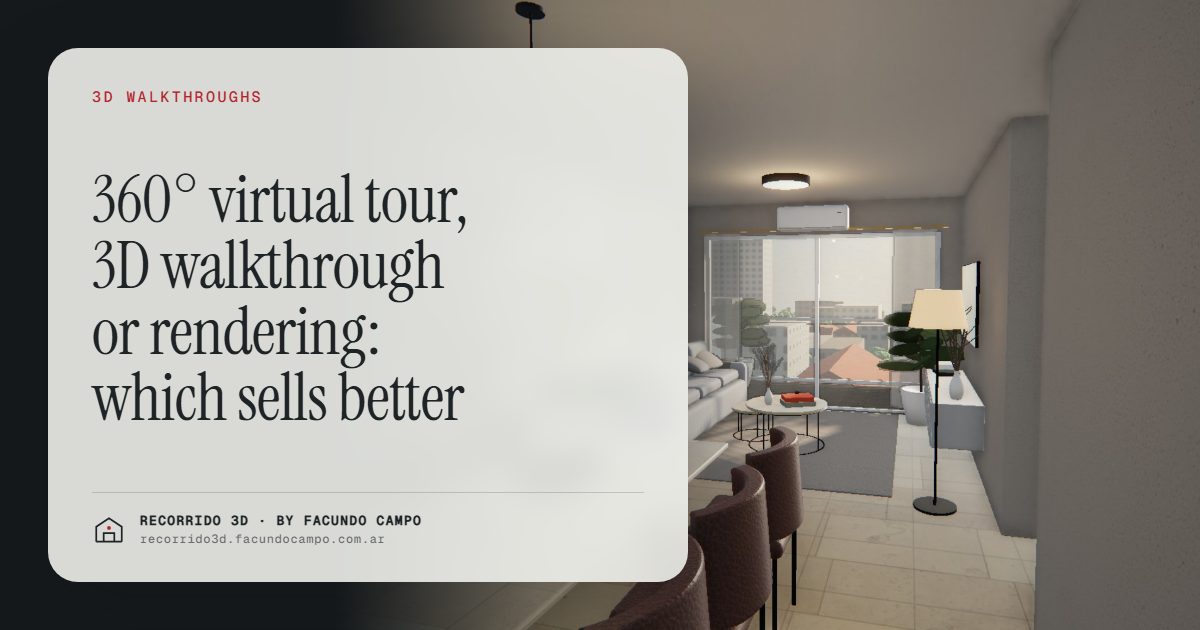
A 360° virtual tour shows a property that already exists: the viewer turns the view from fixed points and jumps from one to the next. A 3D walkthrough shows a project finished and furnished before it's built, and you move through it continuously. A rendering is a photorealistic image, perfect for listings, signs and social media. If you're selling off-plan, the 360° tour is out. If you're selling something already built, it depends on the shape it's in.
What is a 360° virtual tour?
It's a series of panoramic photos taken inside a real property and linked together. The viewer drags the image to look around and taps a point to move to the next room.
For selling, it has advantages:
- It shows the property as it is, with no interpretation.
- It works for resale homes and finished units in good condition.
- The viewer controls where they look.
And clear limits:
- It only exists if the property exists. It doesn't work for pre-construction.
- It shows what's there on the day it's shot: if the apartment is empty, messy or poorly lit, that's what people see.
- Movement happens in jumps, and sometimes it's hard to tell how the rooms connect.
What is a 3D walkthrough?
It's the unit or the house built from the plans, with its finishes, furnished and well lit, that the buyer moves through with a finger or by scrolling, as if they were walking. It opens from a link, on any phone, with nothing to install. I explain it in 3D walkthroughs of apartments.
For selling, it brings:
- It shows what doesn't exist yet, which is exactly the problem with pre-construction.
- The unit looks furnished and finished, the way the buyer is going to live in it.
- In a building, it can include the building on its real street, the floors, each floor plate with its units and their availability. Try it in the building demo.
- In a house, you can see it in morning, afternoon and evening light, as in the house demo.
What is a rendering?
It's a still, photorealistic image of a project: the facade, the living room, the kitchen, an amenity. It's the piece that travels the most: it leads listings, gets printed on signs and gets posted on social media. Its strength is visual impact. Its limit is that it shows one chosen angle, not the whole space. See what an architectural rendering is.
Comparing them from the sales side
Which buyer question does each one answer?
- Rendering: "What does it look like?" It creates desire and a first impression.
- 3D walkthrough: "What's it like to live there?" It settles doubts about size, layout and light.
- 360° tour: "What condition is it in?" Useful when the property exists and is presentable.
Which objection does it handle?
Off-plan, the big objection is "I don't know how it's going to turn out." A rendering tackles it with impact and a walkthrough with understanding. A 360° tour can't, because there's nothing to photograph.
With a finished but empty unit, the objection is usually "it looks small" or "I can't picture it." A 360° of empty rooms doesn't help; a walkthrough or furnished images do. See virtual staging.
With a resale home that shows well, a 360° tour is a reasonable, quick option.
How does it qualify inquiries?
All three help prospects arrive with more information. The 3D walkthrough filters the most, because the buyer really understands the unit before reaching out: if it doesn't work for them, they don't ask; if it does, they arrive knowing what they want. See better-qualified inquiries.
How does it look on a phone?
A rendering looks great anywhere. A 360° tour and a 3D walkthrough both work well on a phone if they're done right. What matters is testing it on your own phone before you hire anyone: it should load fast and make sense without instructions.
So which one should you use?
- Off-plan building: renderings of the facade and amenities for the launch, and a 3D walkthrough with a floor selector for the sale. A 360° tour doesn't apply. See pre-construction sales for apartment buildings.
- Catalog home: a 3D walkthrough of the model, reused with every inquiry, plus renderings for the catalog and social media. See renderings for modular and prefab homes.
- Finished, empty unit: a walkthrough or furnished renderings.
- Resale in good shape: a 360° tour plus good photos.
In a building, the 3D walkthrough is done per unit type and covers every floor where it repeats: 40 units in 3 types need 3 walkthroughs, not 40. That makes it affordable even for mid-size projects.
A note on how buyers actually use them
Think about where your buyer is when they open the link. Most of the time it's a phone, between other things, with a few minutes to spare. A rendering wins the first second. A walkthrough holds the next few minutes, because it only asks them to scroll. A 360° tour asks them to drag, look for the next hotspot and keep track of where they are, which is fine for a patient buyer and a lot to ask from a hurried one.
That's also why they work best together, each at its stage: the rendering in the listing, the walkthrough in the reply to the inquiry, and, if the property exists, the 360° tour for whoever wants to check its condition before a visit.
I work remotely from Buenos Aires, Argentina (UTC−3), with deliveries by link. If you have a project and aren't sure which of the three you need, message me on WhatsApp at +54 9 11 6193-3176 or email facundocampo100@gmail.com, tell me what you're selling and to whom, and I'll tell you which mix makes sense. I answer in English and Spanish.
Frequently asked questions
Can you make a 360° tour of a project that doesn't exist yet?
You can put something similar together from images of the project, but it's usually not the best option: you lose the continuous movement and the feeling of walking the space, which is what helps most to understand an off-plan unit.
Does a 3D walkthrough replace renderings?
No. They complement each other: renderings pull people in on listings, signs and social media, and the walkthrough convinces the people who are already interested. Most projects have both.
Which one is easiest to share?
All three can be shared by link or as an image over WhatsApp or email. The 3D walkthrough can also be embedded on the project's website with your branding.
What works best for investors who don't live nearby?
The 3D walkthrough, because it lets them understand the unit and the building without traveling. See selling to remote buyers and investors.
