Sales & pre-construction
Pre-construction sales: how to use renderings and 3D walkthroughs
In short: In a pre-construction sale, renderings and 3D walkthroughs stand in for a building that doesn't exist yet: they show the finished building, every unit inside and what's still available. That lets buyers decide with confidence and lets sellers close without waiting on construction progress.
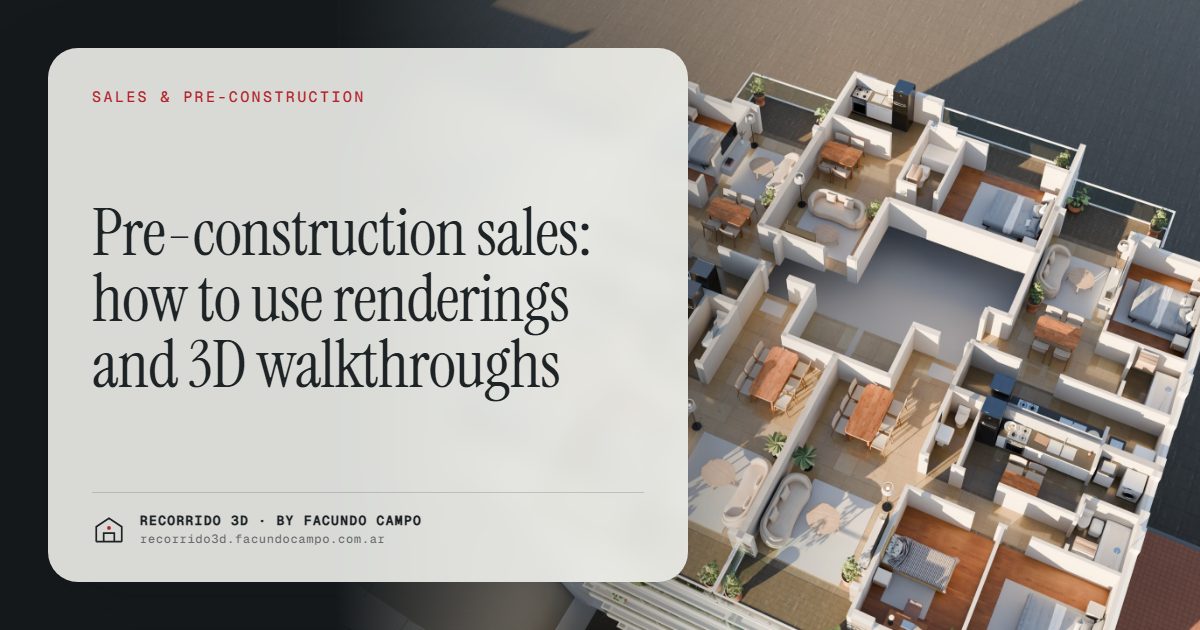
In a pre-construction sale you're selling something nobody can visit. Renderings and 3D walkthroughs do the job of the model unit that doesn't exist: they show the finished building on its block, every unit from the inside and what's still available. Used well, they speed up the first sales, help you hold your price and bring in inquiries from people who've already made up their minds.
What makes selling off-plan so hard?
At the start of a pre-sale, the buyer has a lot with a sign on it, a PDF with floor plans and the seller's word. You're asking them to sign and put money into something they'll see finished a couple of years from now. Hesitating is reasonable, and it almost always ends the same way: "Let me think about it," or "I'll wait until it's further along."
That "I'll wait" is expensive for the developer. The first units sold are the ones that fund construction, and every month without sales is a month of putting in your own capital or going out to find financing. That's why the visual material in a pre-sale isn't a branding expense. It's what has to take the building's place in the buyer's head while the building doesn't exist.
What do off-plan buyers ask?
The same questions come up in almost every development:
- What the building will look like from the sidewalk.
- How much light comes in and which way each unit faces.
- What the real difference is between a front and a back unit, or between a low floor and a high one.
- Whether the bed, the dining table and the sofa will fit.
- What's still available and at what price.
A floor plan answers all of that, but only for people who can read one. Most buyers see lines and numbers. A rendering or a walkthrough turns the plan into the life they'll actually have there: the living room in afternoon light, the balcony looking over the street, the kitchen with its finishes.
When the material answers those questions before the first meeting, the salesperson stops repeating the same explanation and the buyer shows up with a clear idea of what they want. I go deeper on this in better-qualified leads.
What material do you need at each stage of the pre-sale?
You don't need everything on day one. Here's a sequence that follows the sale:
- Before launch: the facade on its block. It's the face of the development on the site sign, the website, listing sites and social media. It has to show the building in its real surroundings so anyone who knows the neighborhood can place it. More in the facade rendering.
- At launch: interiors for each unit type. Living room, kitchen and bedroom for each floor plan, furnished and with the project's finishes. See what to have ready for a launch.
- To close: the 3D walkthrough and the unit selector. The buyer taps a floor, sees the plan with what's available and walks through the apartment on their phone. That's what turns curiosity into a reservation.
One thing that matters for the budget: a walkthrough for each unit type covers every floor where that type repeats. A 40-unit building with 3 floor plans needs 3 walkthroughs, not 40. That puts a walkthrough within reach even for mid-size projects.
How does it speed up the pre-sale?
How fast a pre-sale moves depends on how long it takes buyers to feel safe. Visual material shortens that time in three ways:
- It lowers uncertainty. The buyer stops imagining and starts comparing concrete options: this floor or that one, front or back.
- It reaches more people at once. A link over WhatsApp reaches the partner who skipped the meeting, the parent putting in part of the money, the investor who lives in another city or another country. Those people have a say too, and before, they saw nothing.
- It takes the decision out of the sales center. The buyer looks at the walkthrough again that night, shows it at the family dinner table and comes back with a decision.
I cover this in detail in how to sell a pre-construction project faster and selling to out-of-town investors.
Does it help defend the price off-plan?
Off-plan, the price per square foot gets pushed on more than in a finished building, because the buyer is taking a risk and wants a discount for it. If all they see is a floor plan, the comparison is cold: square footage, price and nothing else. Whoever has the lowest number in the area wins.
When buyers can see the quality of the finishes, the light in the unit, the lobby, the view from a high floor, the conversation changes. They're no longer comparing square feet with square feet. They're comparing a product they can see with others they have to imagine. That doesn't guarantee your price, but it gives your sales team real arguments to hold it and to justify the differences between units. See defending the price and raising the average ticket.
An example: the building on the buyer's phone
The Maconda XXIV demo shows what this looks like in practice. It's an unofficial working demo, based on a 12-story building in Quilmes, near Buenos Aires, marketed by Otamendi Propiedades. You open the building on its real block, tap a floor, see the plan with the units and their availability, and step into the photorealistic walkthrough of the apartment by scrolling. It runs on any phone, with nothing to install.
For the buyer, it's the difference between "they sent me a PDF" and "I've been inside the apartment." For the seller, it's a link that answers half the questions before anyone asks them. How the selector works is explained in the interactive floor and unit selector.
What does the developer need to prepare?
On your side, it's simple: you send the project's floor plans, the planned finishes and some references for the look you're after. Then you approve the images and the walkthrough, and you get the material ready to use on your website, listing sites, social media, the site sign and the sales center. The details are in what to send to get started.
I work remotely from Buenos Aires (UTC−3), with delivery by link and meetings over video call. If you're about to launch a pre-sale and want to see how your project would look in this format, message me on WhatsApp at +54 9 11 6193-3176 or email facundocampo100@gmail.com. I answer in English and Spanish, and we'll go over it with your plans in hand.
Frequently asked questions
When should I order the renderings for a pre-sale?
Before launch. The facade needs to be ready for the sign and the website from day one, and the interiors and walkthrough should be ready when serious inquiries start coming in. Showing up late with the material means selling your first units with floor plans alone.
Do I need a walkthrough for every apartment?
No. One walkthrough per unit type covers every floor where that type repeats. A building with 3 floor plans needs 3 walkthroughs even if it has 40 units, which brings the total cost down a lot.
Does the buyer need to install anything to see the walkthrough?
No. It opens from a link in the browser on a phone or computer, and it can also be embedded on the developer's website. You share it over WhatsApp, email, social media or listing sites.
Do renderings replace the sales team?
No. They take the repetitive explanations off the salesperson's plate and give them something concrete to show, but negotiation, financing and closing are still the sales team's job. See the walkthrough as a tool for the sales team.
