Renders
What you need to order a rendering: what to send, decide and get back
In short: To order a rendering, all you need is the project's floor plans, the list of finishes and a clear idea of where the material will be used. With that, the work starts, you approve the views and you get images ready to sell with.
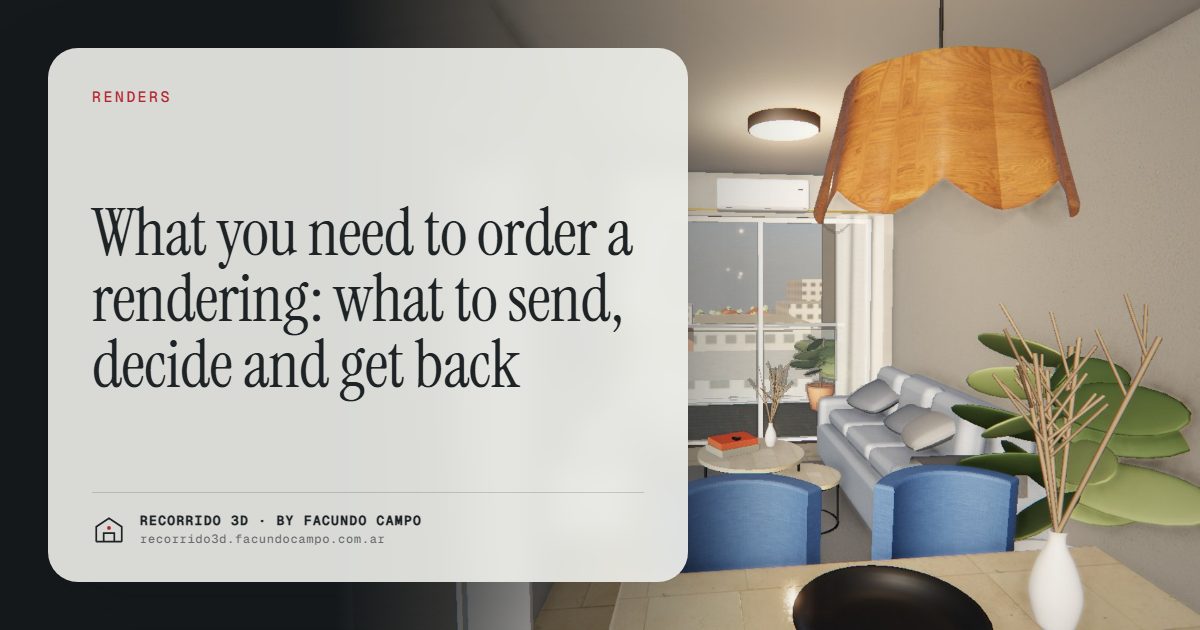
To order a rendering you need three things: the project's floor plans, the list of finishes and a clear idea of where you'll use the material (website, listing sites, social media, the site sign, the sales binder). That's enough to get started. The rest, like references, furniture style and preferred views, gets settled in a short call, and it's what makes the result sell better from the first delivery.
What do you need to send to get started?
You don't need a perfect folder. What helps is whatever you already have for the project:
- Floor plans. Plans, sections and elevations, in whatever format you have them. If the architecture firm has already drawn or modeled the project, send that as it is.
- Finishes. Which floor goes in each room, which tile, the color of the window frames, countertops, faucets if they're already picked. Even a list in an email works.
- Location. The address or the lot. For a facade or a building view, showing the real block makes the project more credible.
- What it's for. The pre-sale, a listing site, a sign or your sales team. It changes which views are worth making.
If you're not sure yet what kind of image you need, start with what an architectural rendering is, where I go through what each type does for the seller.
Which decisions should you make first?
A rendering shows decisions. If a decision hasn't been made, the image makes it for you, and changing it later costs time. So it's worth settling a few things early, with the buyer in mind and not just the building.
Who are you selling to?
A studio for investors and a three-bedroom for a family aren't the same sale. The furniture, the style and even which room you show first depend on that. An investor wants to see that the unit will rent easily. A family wants to see where the kids sleep and whether the big Sunday table fits.
What do you want people to remember?
Every project has one or two strong selling points: the big terrace, the morning light in the living room, the rooftop amenity, the open view. The images should go after those. If you tell me what your main selling point is, the views get chosen to back it up.
Which finishes are you promising?
Whatever appears in the rendering is what the buyer will expect. It's best to show the finishes you'll actually deliver, or to make it clear what's optional. An honest rendering avoids complaints at handover and protects the builder's reputation. More on that in how a builder grows its brand with every project.
What do you approve along the way?
On your side there are only a few checkpoints, and all of them are sales decisions, not technical ones:
- The views. Before moving on, I show you where each room or the facade will be seen from. That's where you decide whether the framing tells the story you want to tell.
- Materials and furniture. You check that the finishes match the project and that the furniture style speaks to your buyer.
- The final image. Fine-tuning: a color, an object that doesn't belong, a plant that's missing.
What gets approved at one step isn't reopened at the next. That way changes happen while they're still cheap, and delivery lands on the agreed date.
What do you get at the end?
It depends on what we agree on, but it's usually some mix of:
- Still images of the facade, interiors and amenities, sized for your website, listing sites, social media and print. See renderings for social media and listing sites.
- A short video for social media and presentations.
- An interactive 3D walkthrough that opens from a link on any phone and can be embedded on your website. You can try the house demo or the building demo, both unofficial working demos based on real projects.
- A furnished floor plan so buyers understand the layout at a glance.
In a building, one walkthrough per unit type also covers every floor where that type repeats. If you have 40 units across 3 floor plans, that's 3 walkthroughs, not 40. That puts interactive material within reach even for mid-size developments.
What if the plans are still going to change?
That's normal. In a pre-sale, projects often keep getting adjusted. The trick is to separate what's locked in (the facade, the overall layout) from what might move (a finish, a piece of furniture). Work starts with what's locked in, and whatever might change is left for the end.
If you know something is going to change, say so at the start. It's not a problem: it's information that helps organize the work so nothing that's already approved gets redone. For how this affects the budget, see how much a rendering costs.
How do you use it to sell?
Getting the images is half the job. The other half is putting them to work:
- The facade rendering goes on the site sign, the homepage and as the first photo in your listing.
- The interiors go on listing sites and in the sales binder, to answer "What does it look like inside?"
- The 3D walkthrough goes out over WhatsApp or email to every inquiry: the buyer looks at it calmly at home and shows up to the meeting with their mind almost made up. More in better-qualified leads.
If you're getting everything ready to go to market, the full list is in what to have ready for a launch.
How does it work if you're in another country?
I work remotely from Buenos Aires, Argentina, on Argentina time (UTC−3). You send the files by email or a shared folder, we talk over a video call when it helps, you approve each step in writing and you get the images and links ready to use. Everything happens in English or Spanish, whichever you prefer.
If you have a project and want to know what your case would need, send me whatever plans you have on WhatsApp at +54 9 11 6193-3176 or at facundocampo100@gmail.com. One short conversation is usually enough to know what to do first.
Frequently asked questions
Can I start with just a PDF floor plan or a sketch?
Yes. A PDF with dimensions is enough to get going, and a sketch helps explain the idea. The more complete the information, the fewer questions and assumptions, but you don't need to wait until you have everything to start talking.
Do I have to pick the furniture myself?
No. It's enough to tell me who you're selling to and the general style of the project. From there, I propose the furniture and you approve it or adjust it.
How many revisions can I ask for?
That's agreed in writing at the start. What matters is asking for each change at the right step: views when the views are being approved, materials when the materials are being approved.
Can I use the rendering on the site sign and on social media?
Yes. If you say upfront where you'll use it, the images are delivered in the sizes and proportions each channel needs.
