Brand
Renderings and video for social media and real estate listing sites
In short: On listing sites and social media, buyers decide in a second whether to stop on a listing. A cover image that stands out, images of each unit type and a link to the 3D walkthrough turn that glance into a specific inquiry.
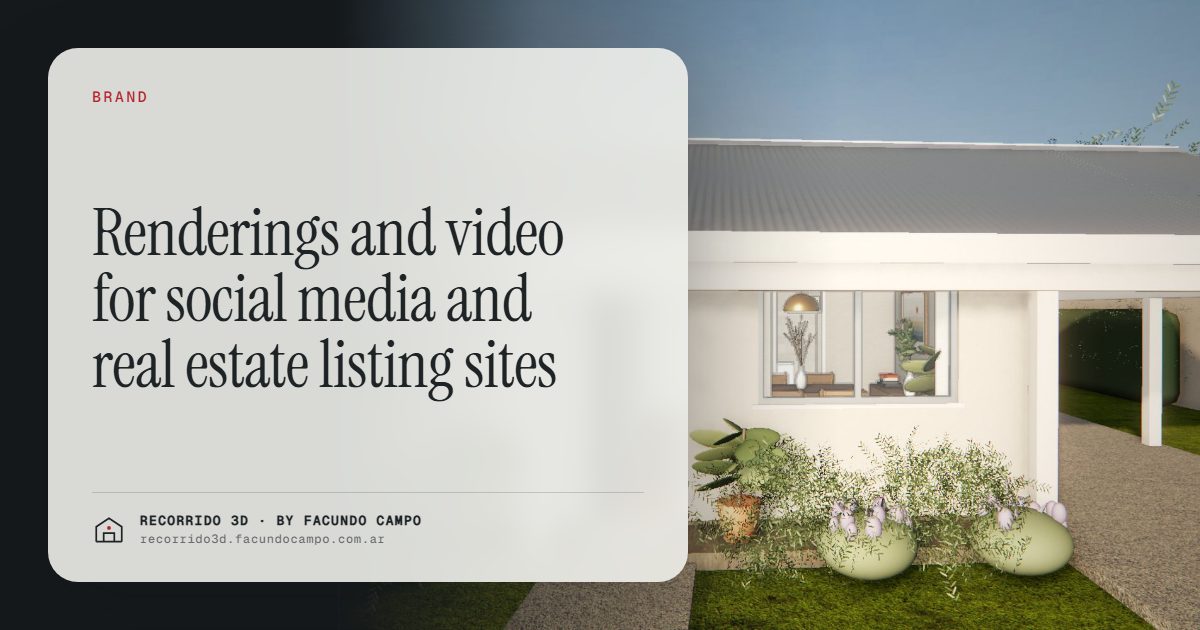
Renderings for social media and real estate listing sites have one clear job: get the buyer to stop on your listing among dozens of similar ones, click in and end up sending an inquiry. A listing site rewards the first image. A social feed rewards the first few seconds of a video. The link to the 3D walkthrough is the next step for whoever's already interested.
What happens on a listing site?
On a listing portal, the buyer sees a list of results with a thumbnail each. They scroll fast and decide in an instant which one to open. They don't read the title or the price carefully until an image stops them.
For a project that's off-plan or under construction, where there are no real photos, renderings are all you have to win that instant. And your competition isn't the whole portal. It's the five or six projects in the same area that show up in the same search. For how to get out of that comparison, see standing out in a crowded market.
How to stand out in the results
Most off-plan listings use the same generic facade as their cover. A few simple decisions help yours look different:
- A cover that reads as a thumbnail. A clear image with one strong, recognizable focal point works better than a busy view whose details disappear when it's small.
- The right cover for each listing. If the building has several unit types listed, each listing can open with the interior of that unit instead of repeating the facade. The buyer looking for a one-bedroom sees a one-bedroom.
- Furnished interiors that show how the space is lived in. An empty unit or a technical floor plan doesn't spark the same interest. See virtual staging.
- A complete sequence: cover, living and dining area, kitchen, bedroom, bathroom, balcony or view, and a clear, furnished floor plan.
More clicks are useless if the listing doesn't answer what the buyer is looking for. That's why the sequence matters as much as the cover.
From image to inquiry
A listing with good images gets clicks. A listing that answers the buyer's questions gets inquiries. The difference is in what the prospect finds once they're in:
- What's the unit like? Interiors of that unit type, not of the most expensive apartment in the building.
- How is it laid out? A furnished floor plan that makes sense even if you can't read plans.
- Where is it? The facade on its real street, so people recognize the neighborhood. See exterior renderings.
- Can I see more? A link to the walkthrough.
When the listing covers that, the inquiry that comes in is more specific: "Is 3B still available?" instead of "Can you send me more info?" That saves your sales team time and filters out showings that weren't going anywhere. I go deeper in better-qualified inquiries.
What about social media?
On Instagram, TikTok or Facebook, the logic changes: the buyer isn't searching for a property, they're scrolling through content. What stops them is movement and something they didn't expect to see. What works best:
- Short videos that go into the apartment and end on the balcony. See architectural video.
- Vertical versions for stories and reels, framed on purpose, not cropped from a horizontal image that loses half of what it showed.
- The same room in morning, afternoon and evening light, which shows how the light changes and makes people curious.
- The floor plan turning into the room, which explains what you're selling in a few seconds.
- Carousels with the sequence of facade, interiors and floor plan.
What shows up in the first few seconds decides whether anyone sees the rest. Open each piece with your strongest shot.
The walkthrough link as the next step
Neither an image nor a video is enough for someone to decide on a purchase. They have a different job: getting people interested. The next step is the walkthrough, for the person who's already interested and wants to explore at their own pace.
Each format does one thing:
- The image stops the scroll and makes the first impression.
- The video tells the story of the space in sequence and gets across what it feels like to be there.
- The 3D walkthrough lets the buyer look at what matters to them: how the rooms connect, what you see from the window, which units are still available.
That's why every listing and every post should carry the walkthrough link, in the description, in the bio or in a story highlight. The walkthrough opens on a phone with nothing to install, and it can be shared by WhatsApp, which is exactly what buyers do when they like something: send it to their partner or a relative. You can try it in the house demo, based on a model by Viviendas Roca, or in the Maconda XXIV building demo, an unofficial working demo based on that building in Quilmes, near Buenos Aires, marketed by Otamendi Propiedades.
Plan all the pieces together
It pays to define every channel up front, and the pieces each one needs: listing sites, social media, website, construction sign, investor deck. Ordering everything together turns out better and more organized than adding one-off requests as they come up. A useful checklist:
- Which listing sites and social networks you'll use.
- How many unit types there are and which images each one needs.
- Which vertical versions and videos you need.
- Where the walkthrough link will live.
In a building, one walkthrough per unit type covers every floor where it repeats: a 40-unit building with 3 types needs 3 walkthroughs, not 40. With one set per type, you cover every listing. The overall order is in what to have ready for a project launch, and what drives the budget is in how much a rendering costs.
If you're about to list a project and want to see what the pieces for listing sites and social media would look like, message me on WhatsApp at +54 9 11 6193-3176 or email facundocampo100@gmail.com. I work remotely from Buenos Aires, answer in English and Spanish, and we can put the list together.
Frequently asked questions
How many images does an off-plan listing need?
A set of six to eight images covers the essentials: cover, living and dining area, kitchen, bedroom, bathroom, balcony or view, and a furnished floor plan. The most important thing is that the cover reads well as a thumbnail and that the images match the unit type listed.
Can I use the same images on listing sites and social media?
Yes, but it's worth having vertical versions framed on purpose for stories and reels. Cropping a horizontal image usually cuts out the most important part of the room.
Can I share the 3D walkthrough in a post or by WhatsApp?
Yes. It's shared with a link that opens in the phone's browser, with nothing to install. Put it in the listing description, in your account's bio and in every message your sales team sends.
Do I need video if I already have good images?
It's not required, but on social media movement grabs more attention than a still image. A short video gets people interested and leads naturally to the walkthrough, where the buyer explores the unit they care about.
