Sales & pre-construction
3D renderings for developers and builders: sell before you build
In short: For a developer or builder, 3D renderings are how you sell units before the building exists: they show the finished building and every unit inside. Besides speeding up pre-construction sales, they help you hold your price and make your brand recognizable from one project to the next.
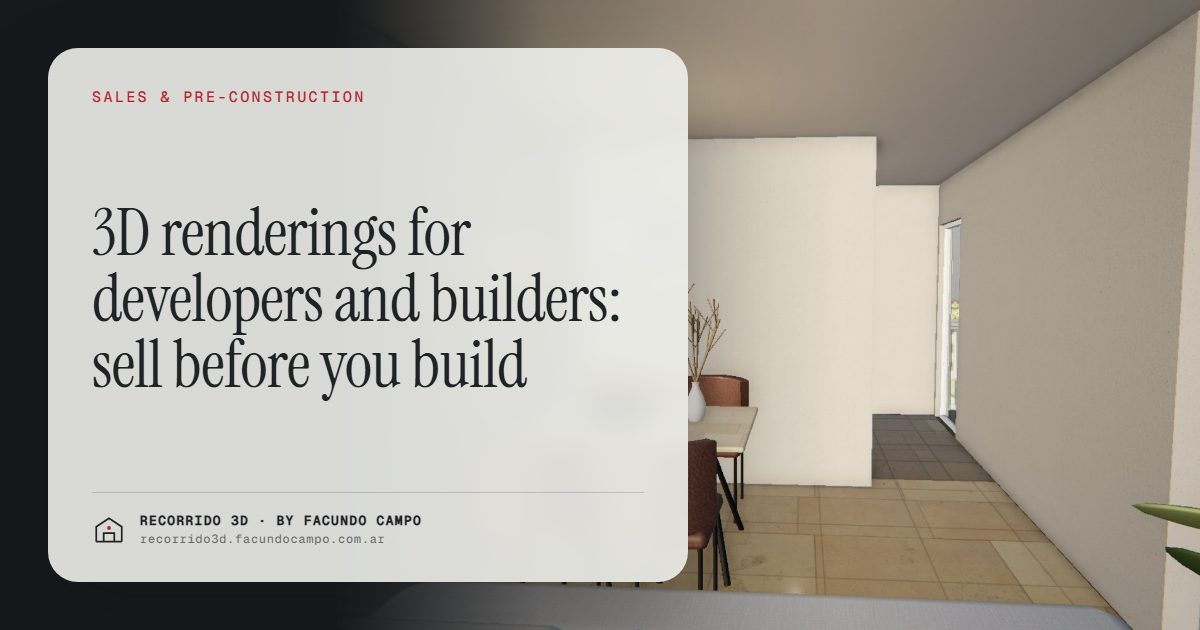
3D renderings let a developer sell what hasn't been built yet. They show the finished building on its real street and every unit inside when all you have is a set of plans and an empty lot, and they give your sales team something to post, send and close with. For a builder, that means faster pre-construction sales, a price that's easier to defend and a brand people recognize on every project.
Why does a developer need renderings?
A good part of a project is financed by what you sell before it's finished. But at that stage there's no model unit, no facade, sometimes not even a hole in the ground. What you have are plans, and most buyers can't read them.
An architectural rendering turns that plan into something anyone understands: the building from the sidewalk, the living room in afternoon light, the view from the balcony. The buyer stops imagining and starts choosing.
It's not magic, and I won't sell it that way. Price, location and the product itself still decide most of it. What renderings do is remove one specific barrier: not being able to see what you're buying. And when you're selling off-plan, that's the barrier that slows things down the most.
What does the developer actually get?
It's worth thinking of this as a sales investment, not an image expense. Here's the return you can expect:
- A faster pre-sale. The first units finance the build. The sooner buyers feel confident, the sooner they put down a deposit. See how to sell pre-construction faster.
- A price that's easier to defend. When buyers see finishes, light and views, they compare a concrete product, not just square footage against square footage. That gives your salespeople reasons not to drop the price per square foot. More in defending your price and raising the average sale.
- Less time wasted on inquiries. If the listing already shows what each unit looks like, the people who reach out know what they want, and the people who aren't a fit filter themselves out.
- Investors who aren't nearby. A link sent by WhatsApp or email reaches someone in another city or country who can't come see an empty lot.
- A brand that builds up. Every project presented well is a calling card for the next one.
Which pieces should you order?
You don't need everything. It depends on the stage and size of the project, but a typical package includes:
- The facade on its real street. The lead image for the construction sign, website, listing portals and social media, with the real surroundings so locals recognize the spot. See exterior renderings.
- Key interiors for each unit type. Living and dining area, kitchen and primary bedroom, furnished and with the project's finishes. These are the rooms that weigh most in the decision. See interior renderings.
- Amenities. Rooftop, barbecue area, party room, pool: the things buyers find hardest to picture from a plan, and the things that set one project apart from another.
- A 3D walkthrough with a unit selector. The building with tappable floors, the floor plate with what's available, and a walkthrough of each unit on the phone.
- A short video. For social media and the launch. See architectural video.
Do you need a walkthrough for every unit?
No. One walkthrough per unit type covers every floor where that type repeats. A 40-unit building with 3 floor plans needs 3 walkthroughs, not 40. For a developer, that changes the math: the walkthrough stops being a luxury for big projects and becomes reasonable for mid-size buildings too.
The same goes for still images. With a good set per unit type, the material covers the whole building and gets reused in every sales channel.
How do you put the material to work?
Having renderings isn't enough. They have to work at every point where you meet a buyer:
- Construction sign and outdoor ads: the facade, big, with the project name.
- Listing portals: the facade as the cover and interiors in each unit's gallery. See renderings for social media and listing portals.
- WhatsApp or text: the walkthrough link, so the prospect can see it and forward it to whoever decides with them.
- Your own website: the unit selector embedded, always up to date with availability.
- Sales gallery: the walkthrough on a big screen or a tablet, to walk through the unit with the buyer.
Your salesperson stops describing and starts showing, and the buyer looks at it again at home with their family, without pressure. See the walkthrough as a tool for your sales team.
How does it build the developer's brand?
Small and mid-size developers often compete with projects in the same neighborhood with similar sizes and prices. What separates them is trust: the buyer feeling that this company does things right.
Visual material that's careful and consistent from one project to the next says exactly that. A buyer who sees a polished presentation assumes, fairly, that the construction will get the same care. And when you launch your next project, your style is already familiar. I go deeper in building a developer's brand and standing out in a crowded market.
An example to try
The Maconda XXIV demo is an unofficial working demo based on a 12-story building in Quilmes, near Buenos Aires, marketed by Otamendi Propiedades. It shows the building on its real street, the tappable floors, each floor plate with the availability of every unit, and a photorealistic walkthrough of each apartment as you scroll. All of it on a phone.
What do you need to send?
Plans, the planned finishes and references for the look you're after. Then you approve the images and the walkthrough, and you get everything ready for the sign, website, portals, social media and sales gallery. The details are in what to send to get started, and what drives the budget is in how much a rendering costs.
I work remotely from Buenos Aires (UTC−3): you send the plans, we talk by video call, and you get everything by link. If you have a project on the drawing board or a pre-sale about to launch, message me on WhatsApp at +54 9 11 6193-3176 or email facundocampo100@gmail.com, in English or Spanish, and we'll figure out what material fits the stage you're at.
Frequently asked questions
When should a developer order renderings?
Before you start selling. Ideally the facade is ready for the launch, and the interiors and walkthrough are ready when inquiries start coming in. The sooner the material exists, the fewer units you sell with plans alone.
Do they also work for pitching the project to investors or partners?
Yes. The same material your sales team uses works for showing the project to investors, partners or lenders, who often don't live nearby and decide based on what they get by email or WhatsApp.
How much does a rendering package for a developer cost?
It depends on the number of unit types, the pieces you order and whether you add the walkthrough with a unit selector. I quote per project. Since one walkthrough per type covers every floor, the cost grows with the number of floor plans, not the number of units.
Can the material be updated if the project changes?
Yes. If finishes change or a floor plan gets adjusted, the affected pieces get updated. The availability in the unit selector stays current throughout the sale.
