3D walkthroughs
3D walkthroughs for office space and workplaces
In short: A 3D walkthrough for office space shows an open floor fitted out with workstations, meeting rooms and shared areas, so the company leasing it or the investor buying it understands how the space can be used. It turns empty square footage into an office people can picture running.
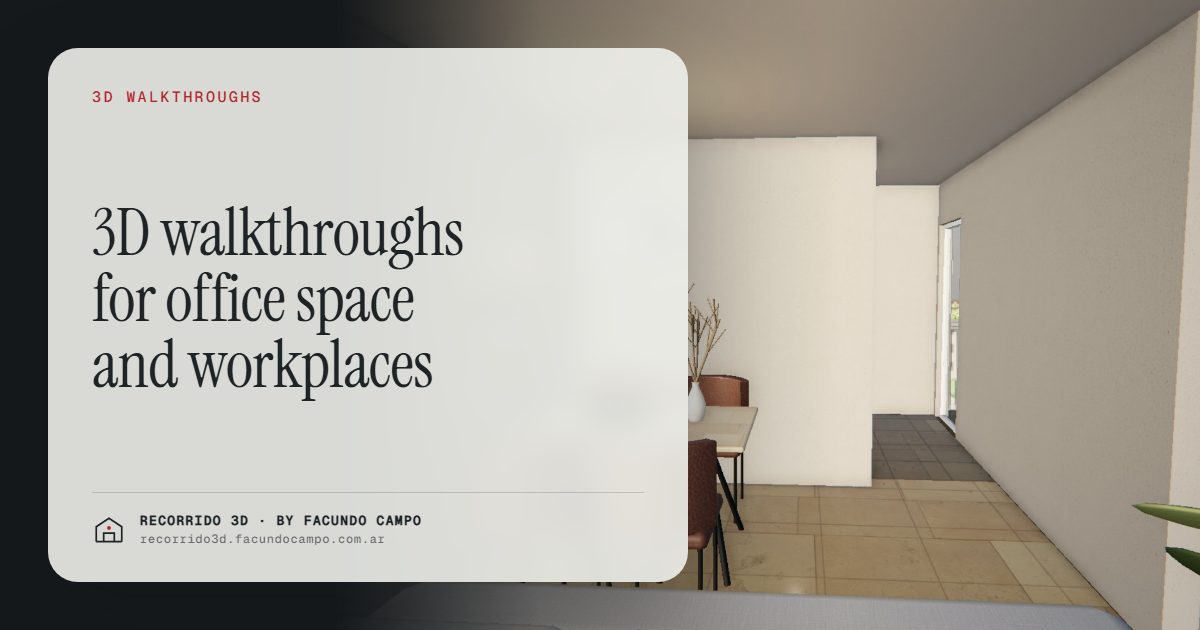
A 3D walkthrough for office space lets a prospective tenant or buyer walk through a floor fitted out as a working office: desks, meeting rooms, a reception, a kitchen and break area, before the floor is built or while it sits empty. It's for developers selling or leasing office buildings, landlords with vacant floors and brokers who need to show what a bare floor plate could become.
Why is office space hard to show?
An empty office floor is one of the least inspiring spaces in real estate. Concrete, columns, exposed ceilings and windows. A shell is flexible, and that's its strength, but flexibility is hard to see. The decision-maker who walks in sees a big empty room and has to imagine their team inside.
On a plan it's even more abstract. A rectangle with a core in the middle and a square footage figure. The questions a company actually has don't get answered: how many people fit, where the meeting rooms would go, whether there's room for a reception, how the light reaches the desks farthest from the windows.
The result is that the conversation goes back and forth. The broker sends a plan, the tenant asks their architect for a test fit, the architect needs time, and the deal waits. Meanwhile, the company is looking at other buildings too.
What does an office walkthrough show?
A good office walkthrough answers the questions a company asks when it's choosing a space:
- The floor fitted out. Workstations, meeting rooms, private offices, phone booths, a reception and a kitchen. It shows the space doing its job.
- The scale. How a team fits, how much room there is between desks, how big a meeting room really is.
- The light. Which areas get daylight, what the view from the desks is, how the floor feels across the day.
- Shared building spaces. Lobby, terraces, bike storage, shared meeting rooms or a rooftop, if the building has them. See amenity renderings.
- The arrival. What a visitor sees from the street, the lobby and the elevator. For many companies, that's part of their image.
Who is it for?
- Developers of office buildings, selling floors or units before or during construction to companies or investors.
- Landlords and asset managers with vacant floors who need to lease them faster and don't want to fit out every floor speculatively.
- Commercial brokers, who show several options to the same company and need each one to be easy to understand and compare.
- Investors buying office units as an asset, who want to see whether the space would be easy to lease. More on this buyer in selling offices and retail off-plan.
Floors that can be divided
Many office floors can be leased whole or split into smaller suites. That's a selling point, and also hard to explain. A walkthrough can show the same floor laid out in different ways: a single tenant with an open plan, or two or three suites with their own entrances.
It helps each prospect see their own case. A company of a certain size sees its suite. A larger one sees the whole floor. The salesperson doesn't have to explain the options in words, because the prospect can see them.
If the building also has ground floor retail, the same logic applies to stores and restaurants. See retail renderings.
Finished offices and empty offices
When the building is finished but the floor is empty, the walkthrough still has a clear job: it fills the space so the visit isn't the only way to understand it. A company can look at it before visiting, decide whether it's worth the trip, and arrive with specific questions.
It also helps when the decision-maker isn't local. A regional manager or an overseas parent company can walk through the floor from wherever they are, on a phone or a laptop. The local team shares the link, and everyone discusses the same space. I go into this in selling to investors at a distance.
Still images for the rest of the material
Alongside the walkthrough, a few still images cover the brochure, the website, listing sites and the leasing presentation: the facade, the lobby, a fitted-out floor and the best view. See office renderings.
The walkthrough is what closes the gap between "it's a nice building" and "our team would work well here." The images are what bring people to the walkthrough.
The demos I have today are residential: the Maconda XXIV building demo, an unofficial working demo based on a 12-story building in Quilmes, near Buenos Aires, shows how a building is presented floor by floor with its units and availability. The same format applies to an office building, with suites in place of apartments.
I work remotely from Buenos Aires, Argentina (UTC−3). You send the plans and the specs of the building, we agree on the layout to show on a video call, and you get the walkthrough by link, ready to share with prospects. If you have office space to sell or lease, message me on WhatsApp at +54 9 11 6193-3176 or email facundocampo100@gmail.com. I answer in English and Spanish.
Frequently asked questions
Do you need an interior design project to make the walkthrough?
No. It can start from the building plans and a reasonable layout for the type of tenant you're after. If there's already a fit-out design, it's shown as designed.
Can you show different ways of dividing the floor?
Yes. The same floor can be shown as a single tenant space or split into suites, so each prospect sees the option that fits their size.
Does it work for leasing, not just selling?
Yes. For leasing it's especially useful, because it lets companies shortlist spaces before visiting and arrive at the visit with a clearer idea of what they want.
Can the walkthrough be sent to several companies at once?
Yes. It's a link, so it can go to any number of prospects, brokers or decision-makers, and everyone sees the same thing.
