3D walkthroughs
Photorealistic images or an interactive walkthrough: which sells better
In short: Photorealistic images are best for grabbing attention in ads, signs and social media; an interactive walkthrough helps buyers understand the space and move forward in their decision. To sell well, the usual approach is to combine both and use each at the right moment.
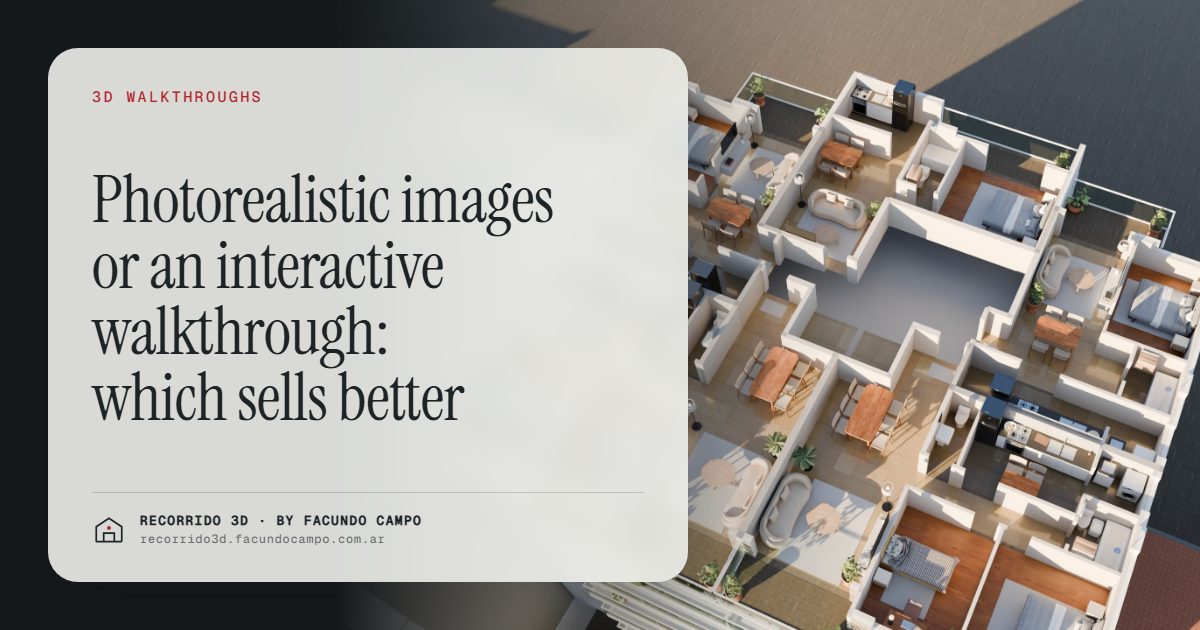
Photorealistic images and an interactive walkthrough don't compete: they do different jobs in a sale. Images grab attention in an ad, on a sign or in a post. The walkthrough helps the buyer understand the space, picture themselves living there and reach out with their decision further along. Which one to prioritize depends on what you sell, to whom and through which channel.
What does each one bring?
Photorealistic images are photos of something that doesn't exist yet. You choose the best angles, the best light and the best side of the project. They're what stops the scroll on social media, what heads a listing and what gets printed on the site sign. Their strength is impact. Their limit is that they show a slice: the buyer sees what you chose, and imagines the rest.
An interactive walkthrough puts the buyer in control. They move through the house or apartment at their own pace, see how the rooms connect and go back if they want another look. Its strength is understanding: the buyer doesn't imagine, they explore. Its limit is that it asks for a bit more attention than a photo, so it works best once the person is already interested.
Which one fits each stage of the sale?
Think of it as a funnel:
- Getting attention. Images win here. A strong facade or a living room in great light is what makes someone stop and click.
- Understanding the product. The walkthrough wins here. The buyer wants to know whether the living room is roomy, where the bed goes, what the balcony is like.
- Deciding. The walkthrough matters again: it gets shared with a partner or family, viewed again and used to compare units.
That's why the most effective mix is usually images to attract and a walkthrough to convince. I cover this in detail in how to sell a pre-construction project faster.
What if I sell catalog homes?
With catalog or prefab homes, the same model gets offered again and again to different buyers. A walkthrough pays off hugely here: it's made once and works on every inquiry, for as long as the model is on sale.
The house demo, based on the Americana 35.64 model by Viviendas Roca, an Argentine home builder, shows how: the paper floor plan rises into the house and you walk through it by scrolling. You can also see it in morning, afternoon and evening light, which no single image can do. The buyer sees how the sun comes into the living room in the morning and how the porch feels at night.
You still need images for the catalog, the website and social media, but the walkthrough is what answers "What's it like to live there?" See renderings for catalog and prefab homes.
What if I sell a building?
In a building, buyers don't just choose an apartment: they choose the floor, the orientation and the unit type. That's where an interactive walkthrough adds a layer images don't have: the building on its real block, tappable floors, each floor plan with its units and their availability, and a photorealistic walkthrough of each apartment.
The building demo, based on Maconda XXIV, a building in Quilmes, near Buenos Aires, marketed by Otamendi Propiedades, works like this. Both demos are unofficial working demos. The buyer narrows down their own search and reaches out already knowing which unit they want. See the interactive floor and unit selector.
Images of the facade and amenities are still the face of the development on the sign, the website and listing sites; I go into that in the facade rendering.
How does each one look on a phone?
Most buyers see the material on their phone. An image looks good on any phone and can be shared in any app. A well-made walkthrough does too: it opens from a link, with nothing to install, and you control it with a finger. You can also turn the phone sideways for a wider view.
What matters is that the walkthrough was designed for phones from the start, not squeezed onto them afterwards. If it doesn't load fast or can't be understood without instructions, the buyer leaves. When choosing a provider, try it on your own phone; there are more criteria in how to choose a rendering studio.
Which one costs more?
It depends on quantity. A handful of images is usually a smaller investment than a full walkthrough. But the walkthrough gets reused on every inquiry, and in a building, one walkthrough per unit type covers every floor where that type repeats: 40 units across 3 floor plans need 3 walkthroughs, not 40. Looked at per unit sold, the math changes. See how much a rendering costs.
So which one should you go with?
- If you need to get an ad or a sign out quickly: photorealistic images of the facade and one or two key rooms.
- If you sell a home model that repeats: an interactive walkthrough plus a set of images for the catalog and social media.
- If you're launching a pre-construction building: images of the facade and amenities, plus the building view with a unit selector and walkthroughs per unit type.
- If you have finished but empty units: furnished images or a walkthrough, depending on volume. See virtual staging.
I work remotely from Buenos Aires (UTC−3) with builders and agencies wherever they are. If you're not sure where to start with your project, message me on WhatsApp at +54 9 11 6193-3176 or email facundocampo100@gmail.com, in English or Spanish, and I'll tell you which mix makes the most sense for what you sell.
Frequently asked questions
Does an interactive walkthrough look as real as an image?
The walkthrough shows the unit photorealistically, with its finishes, furniture and light. The difference from images isn't so much quality as use: an image is a chosen frame, while a walkthrough is the whole space.
Can I start with images and add the walkthrough later?
Yes. It's a common way to start: images for the launch and a walkthrough once inquiries start coming in. It's best to mention it upfront so everything gets planned together.
Can the time of day be changed in the images?
In still images, each view gets one time of day. In the house walkthrough, the buyer can see the same house in morning, afternoon and evening light.
Which one do people share more?
Images travel more on social media. The walkthrough gets shared more in private conversations, like when the buyer sends it to their partner or family to decide together.
