3D walkthroughs
3D walkthroughs on mobile: why buyers look at your project on their phone
In short: Buyers look at real estate projects on their phones because that's where the ads, links and conversations with salespeople arrive. A 3D walkthrough that works well on a phone, with nothing to install, meets the decision where it actually happens.
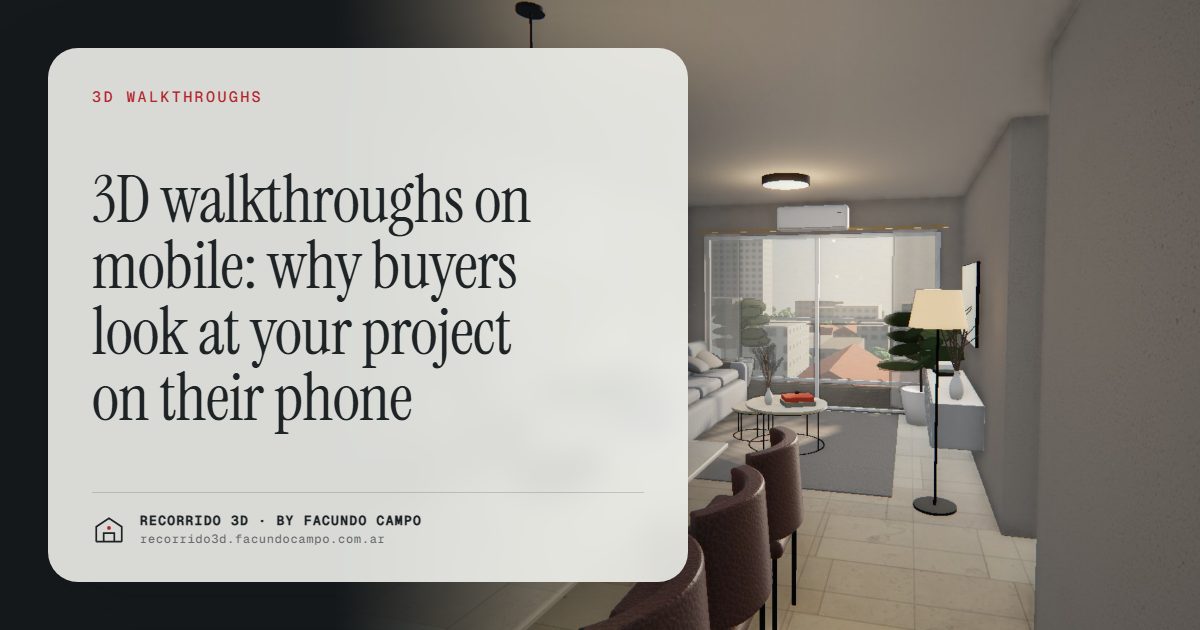
A 3D walkthrough on mobile is one that opens from a link on a phone, with nothing to install, and lets the buyer walk through a home with a thumb or a scroll. It matters because that's where buyers look at projects today: the ad shows up while they scroll, the link arrives in a chat, and the conversation with the salesperson happens on the same screen. If the walkthrough doesn't work well there, it isn't working where the decision gets made.
Where does the decision really happen?
Think about how a buyer finds a project now. An ad appears on Instagram or Facebook on the way to work. A friend sends a listing link. A salesperson replies to an inquiry with a message. They scan a QR code on the site sign while walking past. Almost every first contact happens on a phone.
And it doesn't stop there. The buyer opens the link again at night on the couch, shows it to their partner, forwards it to a parent. The laptop comes out later, if at all, maybe to look at the floor plan in detail or to compare a few options.
So the phone isn't a secondary screen for real estate. For many buyers it's the main one, and the first impression of your project happens there.
What does a walkthrough need to work on a phone?
- Nothing to install. It opens in the browser from a link. Asking a buyer to download an app to see a unit is asking too much.
- Reasonable loading. It shouldn't keep the buyer staring at a blank screen. If it takes too long, they close it and move on.
- Simple controls. One finger, or a scroll, to move through the home. No instructions, no tutorial, no buttons the buyer has to figure out.
- Readable information. The unit type, size and availability visible without zooming. Big buttons for the next step.
- A clear way to get in touch. A button to message or call about that unit, reachable with a thumb.
In the Maconda XXIV building demo, an unofficial working demo based on a 12-story building in Quilmes, near Buenos Aires, marketed by Otamendi Propiedades, you can try it on your own phone: the building on its block, floors you tap, the plan with available units and the walkthrough of each apartment with a scroll.
Portrait or landscape?
Most people hold their phone upright and don't turn it unless asked. A walkthrough that only makes sense in landscape loses some of its audience right there. It's better if it works well held upright, the way people actually use their phones, and still looks good if someone turns it.
The same goes for the rest of the material. Vertical images for stories and reels, short text, and a layout that reads top to bottom. There's more in renderings and videos for social media and listing sites.
The phone changes which material works best
Some material that worked well on paper or a big screen doesn't translate to a phone. A large PDF brochure with small print is hard to read. A detailed floor plan needs zooming in and out. A long video gets skipped.
A walkthrough fits the phone naturally because the buyer explores it at their own pace and only sees one room at a time. The same is true of an interactive floor plan where they tap a unit instead of reading a full plan. I compare both in interactive floor plan or PDF.
Inquiries arrive better qualified
When buyers can explore the project on their phone in detail, they reach out further along. Instead of "send me info," the message says which unit they liked, what they want to know about it and when they could talk. The salesperson starts the conversation with someone who already knows what they're looking for.
It also filters. Buyers who see the unit and realize it isn't for them don't ask for a visit that would go nowhere. See qualified real estate leads.
The phone shouldn't be a cut-down version
A common mistake is treating the phone as a lighter, reduced version of the "real" experience on a computer: fewer rooms, lower quality, no walkthrough. That makes sense if the phone is the exception. It isn't.
What buyers see on their phone should be the full project: the building, the units, the walkthrough and the finishes. The laptop can add comfort, a bigger screen for the floor plan, but not content the phone is missing.
I work remotely from Buenos Aires, Argentina (UTC−3), and the walkthroughs I deliver are made to be seen first on a phone, shared by link. You can try the Americana 35.64 house demo, an unofficial working demo based on a model by Viviendas Roca, on your own phone right now. If you want your project to look like that, message me on WhatsApp at +54 9 11 6193-3176 or email facundocampo100@gmail.com. I answer in English and Spanish.
Frequently asked questions
Do buyers need a new phone to see the walkthrough?
No. It's made to work on the phones people actually carry, not only on the latest models. It's always worth testing it on a couple of ordinary phones before launching.
Can it be viewed without a good connection?
It needs an internet connection, like any web page. It's designed to load reasonably on a regular mobile connection, without making the buyer wait in front of a blank screen.
Does it work on iPhone and Android?
Yes. It opens in the phone's browser, so it works the same on both, without installing any app.
Can it also be viewed on a computer or tablet?
Yes. The same link works on a computer, a tablet or a phone. It's made for the phone first, but it looks good on any screen.
