3D walkthroughs
Using a 3D walkthrough in the sales office and sales gallery
In short: In the sales office, a 3D walkthrough on a big screen or tablet lets the agent and the buyer look at the same unit together and answer questions by looking instead of describing. The meeting shifts from explaining a floor plan to choosing an apartment.
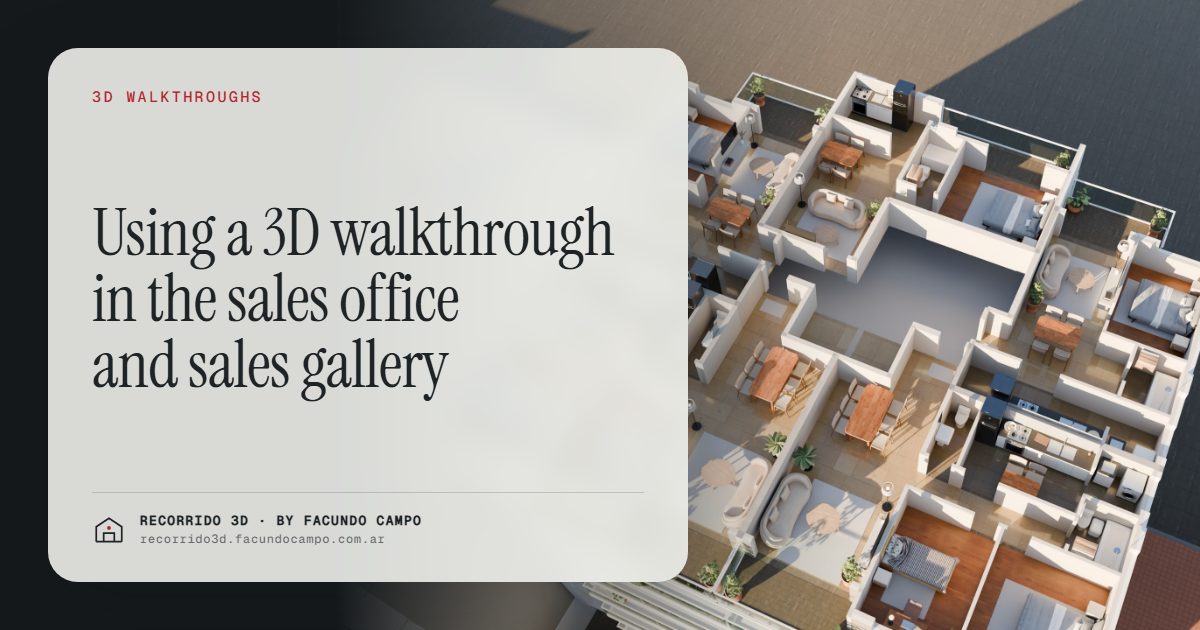
A 3D walkthrough in the sales office puts the buyer's future unit at the center of the meeting instead of a floor plan on the table. The agent opens it on a big screen or a tablet, they walk through the apartment together, and every question gets answered by looking. The buyer leaves with a unit picked out and the same link on their phone to show their family.
What does a typical pre-construction meeting look like today?
The buyer comes into the sales office or sales gallery interested, but with doubts. The agent spreads out the plans, points at the scale model if there is one, hands over a brochure and talks. A lot. The buyer nods, asks how wide the living room is and tries to picture something they can't see.
In that setup, everything depends on how well the agent describes and how well the buyer imagines. If either one falls short, the meeting ends with "let me think about it." Then the brochure goes home with the buyer, who now has to explain the project from memory to the person who wasn't there.
What changes with the walkthrough on screen?
The agent stops describing and starts showing. The conversation sounds different:
- Before: "The living room is a bit over 13 feet, so a three-seat sofa fits comfortably."
- With the walkthrough: "Look, here's the sofa, here's a table for six, and this window gets the afternoon light."
The buyer sees exactly what the agent sees, at the same moment. If they ask where the fridge goes, you look. If they ask what the view is like from the bedroom, you walk over to the window. Questions get settled on the spot instead of being parked until "construction is further along."
It also makes life easier for the sales team. A new agent who doesn't know the project by heart yet has everything they need on screen to present it well. I cover that in the 3D walkthrough as a sales team tool.
How to set up the sales office around the walkthrough
You don't need a luxury showroom. What matters is that the walkthrough looks good and the agent can drive it without fumbling.
A big screen for the presentation
A wall-mounted TV or a large monitor hooked up to a laptop is enough. Use it for the first part of the meeting: the building on its block, the shared spaces and the unit type the buyer is interested in. With a building view, you tap a floor, see the floor plate with the units and their availability, and step into the one they like.
A tablet for the one-on-one
When the conversation gets more personal, a tablet on the table works better. The buyer can pick it up, move at their own pace and go back to the room that worried them. Letting them drive changes how it feels: they stop sitting through a pitch and start exploring their future home.
The buyer's own phone
At the end of the meeting, the agent sends the link over WhatsApp or text. The buyer walks out with exactly what they saw, ready to forward. See sending a 3D walkthrough over WhatsApp.
Does it replace the model unit or the scale model?
Not necessarily. A well-finished model unit has something no screen can match: you touch it, walk it with your own body, feel the ceiling height. A physical scale model helps people grasp the whole project. If the development has them, they add to the walkthrough.
They do have limits, though. A model unit shows a single floor plan, and it's usually ready only once construction is well along. A scale model doesn't show the inside. The walkthrough shows every unit type from day one, in morning, afternoon and evening light, and it travels: what the buyer saw in the sales office they can see again that night at home. The full comparison is in scale model and model unit vs 3D walkthrough.
For many mid-size developers who can't build a model unit for every project, a walkthrough on a good screen is the sensible way to have a showroom from launch.
The sales office can also be on site or at a trade show
The same walkthrough works wherever you sell:
- A site trailer or a small office on the lot, with a tablet, for people who stop by after seeing the construction sign.
- A booth at a real estate expo, with a screen showing the building and a tablet for anyone who wants to step into a unit. See material for real estate trade shows.
- A brokerage office that markets several projects and wants to present each one with the same level of detail.
The logic is the same everywhere: the agent shows instead of explaining, and the buyer leaves with the link.
What should you prepare before the meeting?
A few minutes of prep make the walkthrough work much harder for you:
- Know what the buyer is after. If they asked about a specific unit type, have that unit open and ready.
- Pick the time of day. Show the living room in the light that suits its orientation best, and keep the evening view handy in case they ask.
- Keep availability current. Each floor plate should show what's really open, so nobody gets offered a unit that's already sold. See keeping unit availability up to date.
- Let the buyer drive. After the presentation, hand over the tablet.
- Send the link before they leave. Not afterward, when they're already thinking about something else.
You can get a feel for this kind of walkthrough in the house demo, an unofficial working demo based on the Americana 35.64 model by Viviendas Roca: the floor plan rises into a house and you move through it by scrolling.
I work remotely from Buenos Aires, Argentina (UTC−3), and deliver everything by link, so the sales office can be anywhere. If you're setting one up for a project, or you want your team to have more than plans to show, message me on WhatsApp at +54 9 11 6193-3176 or email facundocampo100@gmail.com and we'll look at it with your plans. I answer in English and Spanish.
Frequently asked questions
What equipment do I need in the sales office?
A large screen or TV connected to a laptop, plus a tablet for the more personal part of the meeting. The walkthrough opens in the browser with nothing to install.
Do I need an internet connection?
Yes. The walkthrough opens from a link, so the sales office needs a decent connection. If your office is on the construction site, make sure the connection is reliable before you start booking buyers.
Can the buyer see it again at home?
Yes. The agent sends the same link they used in the meeting, and the buyer opens it on their phone to walk through it again or show their family.
Does it work if the building is still pre-construction?
That's when it helps most, because there's nothing to visit yet. With the plans and the finish schedule settled, every unit type can be shown from the inside starting at launch.
