Brand
Digital brochure for a real estate development: what to include
In short: A digital brochure for a development works when it reads well on a phone, shows the project in a few pages and sends the buyer on to walk through their unit. Its job is to spark interest and open the conversation, not to explain everything.
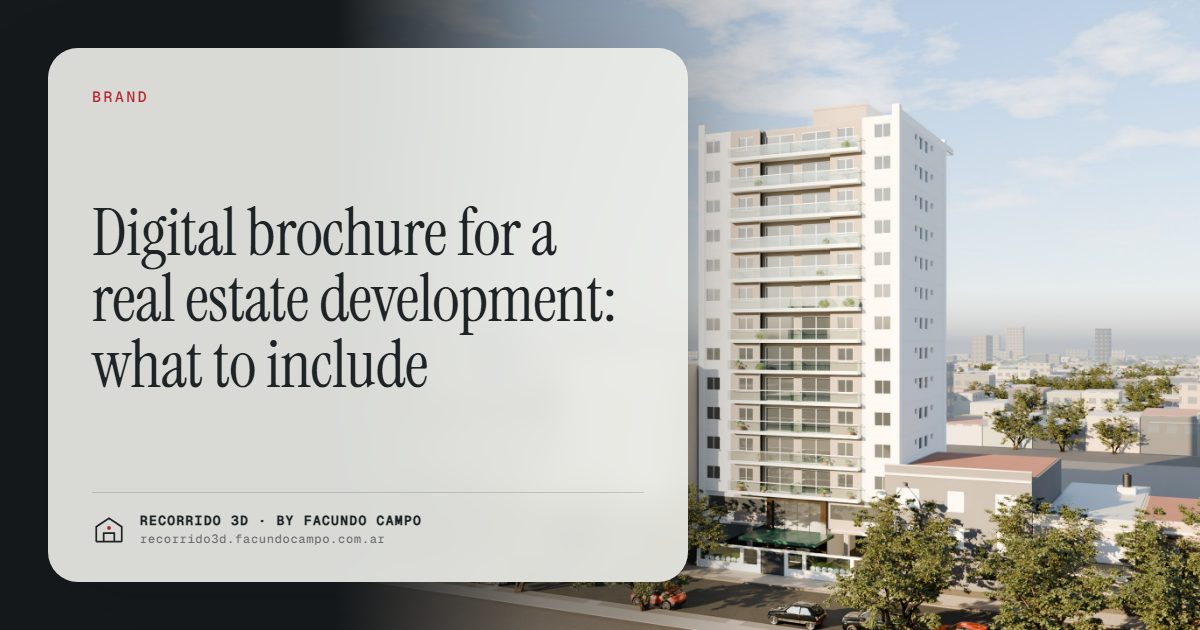
A digital brochure for a real estate development does its job when it reads well on a phone, tells the project's story in a few pages and points the buyer to the next step: walking through their unit. It isn't meant to answer every question. It's meant to make the buyer want to ask one.
What is a digital brochure for, today?
Printed brochures were designed for a sales office: a buyer sat down, flipped through it and took it home. Today, most first contacts happen on a phone. Someone sees an ad or a listing, sends a message, and the agent replies with a file.
That file is the digital brochure. It's often the first thing the buyer sees from the project beyond a single image, and it gets forwarded to partners, family and friends. In practice, it's the project's business card, sales pitch and first impression all at once.
That's why it deserves more thought than "export the print version to PDF."
What to include, page by page
A brochure that works on a phone is short. Something like this:
- Cover. The building or house on its real street, with the project's name. One strong image, not a collage. The facade rendering usually goes here.
- The idea in one sentence. Who this project is for and why it's different. "Two-bedroom apartments with a terrace, five minutes from the station" says more than a paragraph of adjectives.
- Location. An aerial view or a simple map with what's nearby: transport, parks, schools, shops.
- The units. One page per unit type, with a furnished floor plan and an interior image. Square footage and bedrooms, clearly.
- Amenities and common areas, if there are any. Shown, not listed.
- Finishes. What's delivered: floors, kitchen, bathrooms, windows. Buyers care more about this than most brochures assume.
- Who's building it. The developer, a couple of finished projects, why they can be trusted.
- Next step. A link to walk through the units and a direct contact, ideally WhatsApp.
Eight pages, give or take. More than that and people stop scrolling.
Built for the phone, not for printing
A brochure designed for print and opened on a phone usually fails in the same ways: tiny text, double-page spreads split in half, images that need zooming. A few rules help:
- Vertical pages, or at least pages that read well on a vertical screen.
- Large text and few words per page.
- One idea per page. If a page needs a paragraph to explain itself, it's two pages.
- A light file. A heavy PDF that takes a minute to download over mobile data gets closed before it opens.
What to leave out
Just as important as what goes in:
- Long technical specs. They belong in a separate document for the buyer who asks.
- Every floor plan of every unit. One per type is enough. The rest goes in the unit selector.
- Generic phrases. "Luxury," "exclusive," "unique lifestyle" appear in every brochure and mean nothing.
- Images that promise what isn't delivered. If the kitchen comes without an island, don't show one.
From the brochure to the unit: the link that changes everything
Here's where a digital brochure beats a printed one. It can link out.
At the end of the brochure, or on each unit page, a link opens the walkthrough of that unit type. The buyer goes from looking at a floor plan to walking through the apartment in seconds, on the same phone. You can see how that feels in the Maconda XXIV building demo, an unofficial working demo where the buyer taps a floor, picks a unit and walks through it.
The brochure opens the interest; the walkthrough answers the questions. Together they do more than either one alone. There's a deeper comparison in printed brochure vs 3D walkthrough.
How to share it
- By WhatsApp, as a reply to a first inquiry, with a short message that says what's inside.
- By email, after a call or a meeting, as a summary.
- On the website, as a download on the project page.
- In listings, where the portal allows attachments or links.
- With partner agencies, so every agent sends the same material.
A useful habit: send the brochure, then follow up a day later asking which unit caught their eye. It turns a file into a conversation.
The images in the brochure
The brochure is only as good as its images. A facade that shows the building clearly, a few interiors with the actual finishes and a location view are the core. If the brochure looks like the neighboring project's, it's usually because the images do. Getting them right is part of building a developer's brand.
I make renderings and walkthroughs for developers and agencies, working remotely from Buenos Aires, Argentina (UTC−3). If you're putting together the brochure for a new project, message me on WhatsApp at +54 9 11 6193-3176 or email facundocampo100@gmail.com. I answer in English and Spanish.
Frequently asked questions
How many pages should a digital brochure have?
Around eight is a good target: cover, idea, location, unit types, amenities, finishes, developer and next step. Beyond that, most people stop reading on a phone.
Should prices go in the brochure?
It depends on how the developer sells. Many prefer to leave prices out because they change, and use the brochure to start a conversation where pricing and payment plans are explained.
Does the brochure replace the 3D walkthrough?
No. The brochure sparks interest and summarizes the project; the walkthrough lets the buyer see their unit inside. They work best together, with the brochure linking to the walkthrough.
Is it better to send a PDF or a link?
Both have a place. A PDF is easy to forward and save. A link opens faster and can take the buyer straight to the walkthrough. Many developers send a light PDF with links inside.
