Comparisons
Printed brochure or 3D walkthrough: which one reaches more buyers
In short: A printed brochure is tangible and organized, but it only reaches the people who pick one up and it can't be updated. A 3D walkthrough reaches anyone with a link, lets them step into the unit and stays current. The smart move is a brochure with a QR code that leads to each unit type's walkthrough.
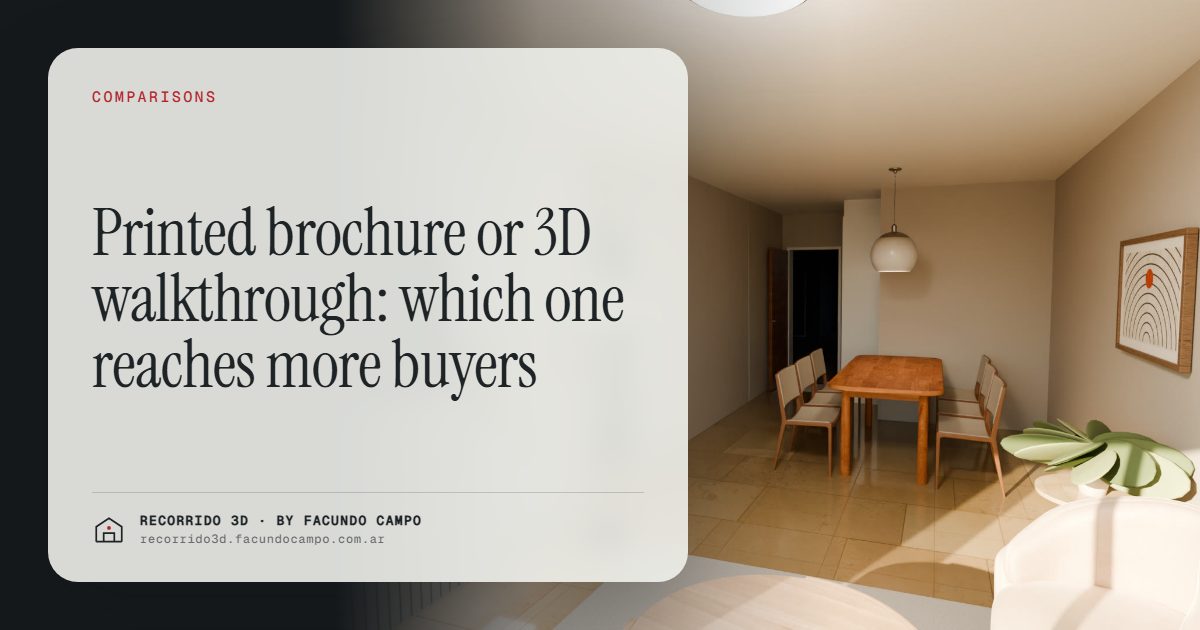
A printed brochure still does a job: buyers walk away with something in hand, and it puts the project in order. But it only reaches the people who pick one up, it shows the unit on paper and it can't be updated. A 3D walkthrough reaches anyone with a link, lets them step inside the unit and stays current. You don't have to pick one. The best brochure today is the one that sends buyers straight into the walkthrough.
What does a printed brochure do well?
It's worth starting with what the brochure gets right, because it's not nothing.
- It's something to hold. The buyer leaves the sales office or the expo booth with a physical object. It sits on the kitchen counter and they see it again the next day.
- It organizes the information. Location, unit types, amenities, finishes and contact details, all in one place and in the order the developer chose.
- It signals that you're serious. Good paper and good design say something about the developer before anyone reads a word.
- It works offline. No signal, no battery, no problem.
For a project with a sales gallery, a presence at expos or a brokerage with a street-front office, a printed brochure is still useful.
Where does it fall short?
The limits show up when you think about the buyer's whole journey, not just the moment they take the brochure.
It only reaches the person holding it
The brochure reaches whoever came by the office or the booth. The investor in another city, the couple who both work and can't make it during office hours, the parent helping with the down payment who lives two states away: none of them has it. And in a home purchase, those people get a say.
It shows the unit on paper
A brochure can carry renderings and floor plans, but it's still a sheet of paper. The buyer sees one image of the living room and a plan with dimensions. They can't move around, can't see the kitchen from the living room, can't tell what the bedroom window looks out on. For most people, who don't read floor plans, the unit stays abstract.
It can't be updated
Print stays the way it was printed. If the street-facing units sell, the brochure still shows them all as available. If a finish changes, you reprint. See keeping unit availability up to date.
It gets lost in the pile
A brochure ends up stacked with other brochures. If the buyer is looking at several projects in the area, a week later they have a pile of similar-looking paper and can't remember which was which.
What does a 3D walkthrough do that a brochure can't?
It fixes exactly those gaps:
- It reaches anyone with a link. It goes out over WhatsApp, text, email or social media. The far-away investor opens it, and so does the family and the friend who "knows about construction." See selling to buyers who live in another city.
- It lets buyers step inside. They walk the apartment, see the furniture in place and look at it in morning, afternoon and evening light.
- It stays current. The availability the buyer sees matches what the team can actually offer.
- It doesn't get buried. It lives on their phone, in the chat with the agent, one tap away.
You can see how that feels in the Maconda XXIV building demo, an unofficial working demo based on a 12-story building in Quilmes, near Buenos Aires, marketed by Otamendi Propiedades: tap a floor, pick a unit and walk through it from your phone.
What about a digital brochure?
There's a middle option: the PDF brochure sent over WhatsApp or email. It solves the reach problem, because it travels like a link. But it's still paper on a screen: the unit can't be walked through, availability doesn't update, and pinching and zooming on a phone is no fun.
A well-made digital brochure with links to the walkthrough of each unit type is a good way to get the best of both. I cover that in the digital brochure for a development.
How to make the brochure lead to the walkthrough
The smart way to use print isn't as a replacement for the walkthrough but as the front door to it:
- A QR code on every unit type. The buyer scans it with their phone and lands in that unit. The brochure says "one-bedroom facing the street," and the QR code lets them walk it. See a QR code on the construction sign, where the idea is the same.
- Less text, more invitation. Instead of packing the page with dimensions, use one strong image and a line like "Step inside the unit."
- The link on the back cover. So whoever kept the brochure can get back to the walkthrough a week later.
- The agent sends the link anyway. Even if the buyer takes a brochure, the walkthrough reaches their phone before they leave the office.
That way the brochure keeps what it's good at, presence, order and polish, and the walkthrough adds what paper can't.
Where should you spend first?
It depends on where you sell. If most of your inquiries come in through social media, listing sites or WhatsApp, the walkthrough comes first, because that's what those people will actually see. If you get a lot of foot traffic in a sales office or at expos, a good brochure still earns its keep, but it should carry the QR code to the walkthrough from the very first print run.
What doesn't make sense is spending the whole marketing budget on thousands of brochures and leaving buyers who find you on their phone with a floor plan PDF. That's where a lot of searches start now. To plan what to have ready and when, see the project launch checklist.
I work remotely from Buenos Aires, Argentina (UTC−3), and deliver by link, so the walkthrough and the QR codes for your print run can be ready wherever you are. If you're putting together sales material for a project, message me on WhatsApp at +54 9 11 6193-3176 or email facundocampo100@gmail.com and we'll look at how each unit type's walkthrough would turn out with your plans. I answer in English and Spanish.
Frequently asked questions
Is a printed brochure still worth it?
Yes, especially in the sales office, at expos and in street-front offices. It works much harder if it has a QR code leading to each unit type's walkthrough.
Does a 3D walkthrough replace the brochure?
For buyers who find you on their phone, largely yes. For the ones who come to the office, the best approach is to combine them: the brochure in their hand and the walkthrough on their phone.
What should go in the brochure if I have a walkthrough?
A strong image of the facade on its real street, the unit types with their QR codes, contact details and an invitation to walk through the unit. Less technical text, more reasons to open the walkthrough.
Can buyers open the walkthrough without installing anything?
Yes. It opens from a link or a QR code in the phone's browser, with no app to download.
