Sales & pre-construction
When to order sales materials for a real estate development
In short: The best time to order the sales material for a development is when the plans and finishes are defined, so it's ready before the sales launch. If it arrives later, the first months of inquiries get answered with a floor plan and a promise.
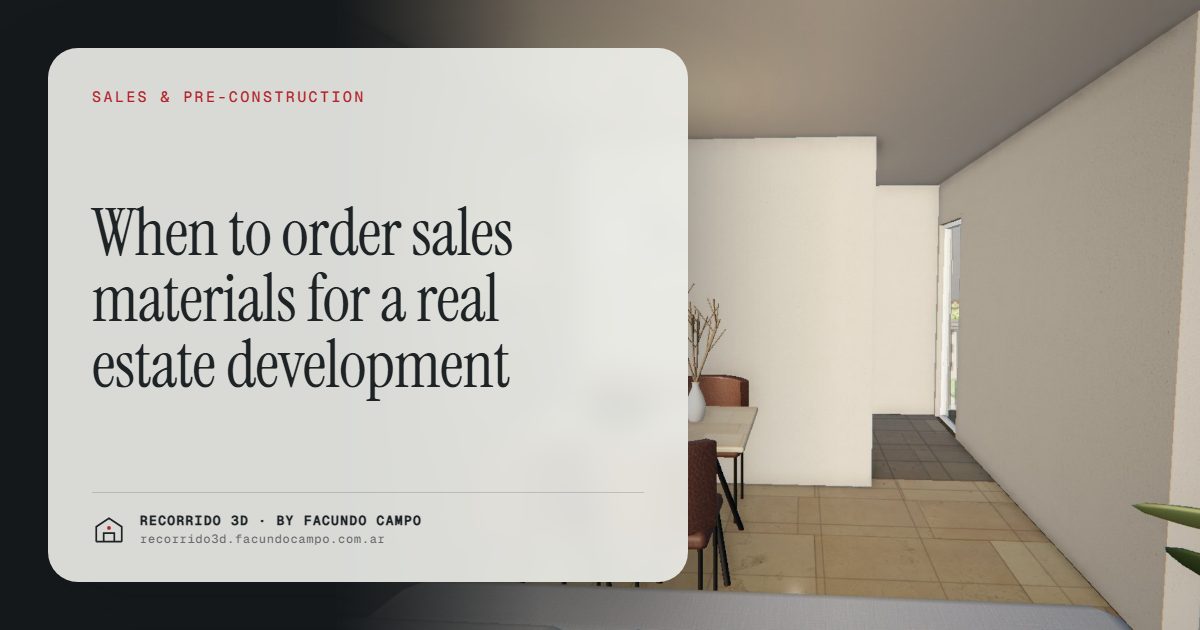
The right time to order the sales material for a development is when the floor plans and the finishes are settled, so that renderings and walkthroughs are ready before the project goes to market. If the material shows up after launch, the first and often most interested buyers get a PDF floor plan and a verbal description, and some of them never come back.
Why does it usually get ordered late?
Developers have a lot on their plate before a launch: land, permits, financing, the builder, the contracts. Marketing tends to land at the end of the list, often triggered by an inquiry that arrives before anyone expected.
A few common reasons:
- "The project might still change." True, but most changes happen early. Once the plans are filed and the unit mix is set, the big decisions are done.
- "We'll show photos when the building is up." By then, a large part of the pre-construction window is gone, and that's when the units are hardest to explain.
- "We'll start with a facade image and see." One image is useful, but it doesn't answer what the buyer of a specific unit wants to know.
None of these is unreasonable. But each one means the sales team starts working without the tools to explain what it's selling.
The stages of a development and what goes in each
Thinking in stages helps decide what to order and when.
- Feasibility and financing. Before buying land or committing capital, a developer may need to convince partners or investors. A facade rendering and an aerial view in context help here. There's more on that in how to build an investor presentation.
- Pre-launch. Plans and finishes are defined. This is when to order the main material: exterior renderings, interiors of the key unit types and a walkthrough per unit type. It gives the team time to set up the website, listings and the brochure.
- Launch. Everything is ready the day sales open. The launch checklist covers what should be in place.
- Construction. The material keeps working, now combined with real progress photos. The interactive unit selector shows what's still available.
- Final units. The last units are often the hardest. Showing them furnished and in their real light helps close them without dropping the price.
What needs to be defined before you start?
You don't need every detail, but you need the ones the buyer will see:
- Architectural plans with the final unit layouts.
- Elevations and the facade design, including materials and colors.
- Finish specs: floors, kitchen, bathrooms, windows. These are what the buyer looks at closest in the interiors.
- The site and its surroundings: the address, so the building can be shown on its real street.
If something is still open, like the color of a kitchen cabinet, it can be adjusted later. What's hard to change is a unit that moved walls after the walkthrough was done.
What happens if the material arrives late?
Picture the first week of sales. Ads are running, a sign is up on the lot, inquiries are coming in. The sales agent replies with a PDF of floor plans and a facade image. The buyer asks what the living room looks like, how much light the unit gets, what the view is from the fifth floor. The agent says "it'll be great" and offers a meeting.
Some buyers will take the meeting. Many won't, and they'll keep looking at projects that can show them more. Those early buyers are often the most motivated ones, and early sales are what fund construction. Losing them because the material wasn't ready is an expensive delay that never shows up on an invoice.
What if the project can still change?
It's a fair concern. A few ways to handle it:
- Start with what's fixed. The facade and the location usually settle first. Exteriors can be done while interiors wait for final finishes.
- Order by unit type. A walkthrough per unit type works for every floor where that type repeats. If one type changes, only that one gets updated.
- Agree on changes up front. It's normal to adjust a finish or a color. Talking about it before starting avoids surprises on both sides.
Sales material as part of the project budget
Renderings and walkthroughs are easier to plan for when they're a line in the project budget from the start, next to the sign, the website and the sales office. Treating them as an afterthought is what pushes them past the launch date.
It also helps to think of them as a sales tool rather than an expense. They work every day the project is on the market, in every listing, every WhatsApp conversation and every meeting. That's the reasoning in how to sell pre-construction faster.
What it's like to start with me
You send me the plans, the finish specs and the address by email. We go over the project on a video call: unit types, which views matter, who the buyer is. I send previews for review, you approve or ask for changes, and you get the final material by link, ready to share or embed on your website.
I work remotely from Buenos Aires, Argentina (UTC−3), in English and Spanish. If you're planning a launch, message me on WhatsApp at +54 9 11 6193-3176 or email facundocampo100@gmail.com, ideally before the sales date is set in stone.
Frequently asked questions
Can I start the material before the permits are approved?
Yes, as long as the design is unlikely to change significantly. Many developers start with the exteriors and the main unit types while the permit is in process, and adjust details if needed.
Which piece should I order first?
Usually a facade rendering on its real street, because it goes on the sign, the website and the listings. Right after that, the interiors and walkthroughs of the unit types you need to sell first.
Should I wait until construction is advanced to show real photos?
Real photos help build trust, but they don't show a finished, furnished unit. Waiting for them means selling the pre-construction stage without the material that explains it best. The two work well together.
Can the material be updated if something changes?
Yes. If a finish or a layout changes, the affected images or the walkthrough for that unit type can be updated. It's best to agree on how changes are handled before starting.
