Renders
How to review a rendering before you approve it: a developer's checklist
In short: Reviewing a rendering before you approve it means comparing the image with the real project: dimensions, finishes, orientation, surroundings and what it promises. An orderly review keeps you from publishing something that won't match what you deliver.
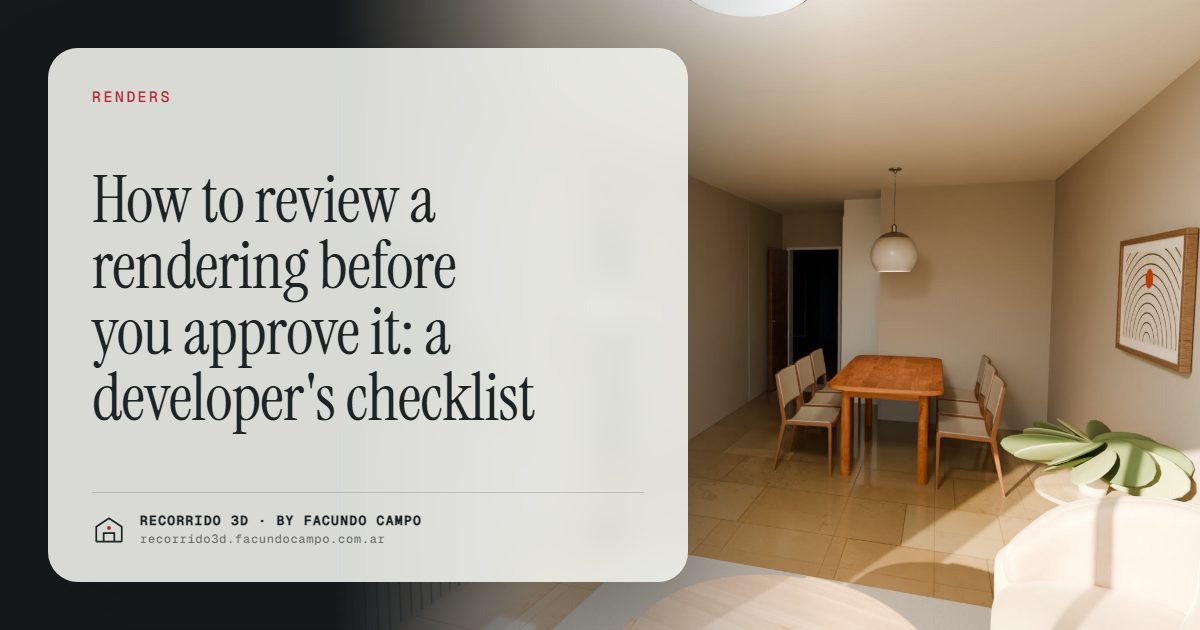
Reviewing a rendering before you approve it means checking the image against the real project: that the building, the finishes, the orientation and the surroundings are what you're going to deliver, and that the image works for where it'll be used. It takes less time than it sounds if you go in with a list, and it saves you from the worst outcome: a published image that the finished building contradicts.
Why review with a checklist?
A first draft usually looks good at a glance. That's the problem. The eye goes to the overall impression, the light, the furniture, and skips the details that matter later: a window that's in the wrong place, a balcony railing that isn't the one specified, a neighbor's building that's missing.
Those details aren't cosmetic. A rendering goes on the site sign, the website, listing sites and the brochure. Buyers use it to decide, and some of them will compare it with what they receive. Anything that doesn't match is a potential complaint and, in some markets, a legal headache. Check the rules where you sell with a local professional.
A checklist turns "it looks nice" into "it's right." It also makes feedback faster for whoever is making the images, because each comment points to something specific.
Checklist for an exterior rendering
- Facade and openings. Are the windows, doors and balconies where the plans put them, in the right size and number?
- Materials and colors. Is the cladding the one specified? The railing? The color of the frames?
- Number of floors and height. Count them. It sounds obvious, and it's one of the most common mistakes in any project that changed during design.
- Orientation and light. Is the sun coming from where it actually would on that site? A facade that faces away from the sun shouldn't look flooded with light all day.
- Surroundings. Are the street, the neighboring buildings and the trees reasonably close to reality? Leaving out a tall building next door to improve the view is a promise you can't keep.
- Signage, landscaping and ground floor. Is the entrance where it is, with the planned planting and the right ground floor use?
There's more on this image in particular in the facade rendering.
Checklist for an interior rendering
- Layout. Does the room match the plan? Are the kitchen, doors and windows in the right place?
- Scale. Does the furniture fit the real dimensions? A queen bed in a bedroom that only fits a full is a promise in disguise.
- Finishes. Floors, tile, countertops and fixtures are the ones you'll install, or the reference ones you've agreed to show.
- Furniture that fits the buyer. Is the style right for the buyer you're selling to? A studio for students isn't furnished like a three-bedroom for a family. See interior renderings.
- Views. What's outside the window should be plausible for that floor and that side of the building.
- What's included. If the furniture, appliances or lighting aren't part of the sale, the caption should say so.
What's outside the image matters too
- The caption. Images used for sales usually carry a note like "image for illustration purposes." Check it's there wherever the image is used.
- The intended use. An image for a site sign has to read from a distance; one for Instagram, in vertical format. If it'll be used in several places, review each version. See renderings and videos for social media and listing sites.
- Consistency across the set. The same kitchen shouldn't have different countertops in two different images.
How to give feedback that gets results
The clearer the feedback, the fewer the rounds. A few habits that help:
- One list, from one person. Collect comments from the architect, sales and management, and send them together. Contradicting comments from three people slow everything down.
- Point, don't describe. "The window on the left of the living room should be wider, see plan A-201" works better than "something looks off in the living room."
- Separate errors from preferences. A wrong window is an error. "I'd like warmer light" is a preference. Both are valid, but it helps to say which is which.
- Send references. A photo of the actual railing, the tile or a mood you like is worth more than a paragraph.
You don't have to review the technical side
Your job isn't to judge how the image was made. That's the job of whoever makes it. Your job is to check that it shows your project faithfully and that it works for selling. If something looks strange and you can't tell why, say so in plain words. That's useful feedback.
In my case, the images arrive by link so you can review them on a computer or a phone, and feedback can go by WhatsApp or email, or we can talk it through on a video call if there are a lot of comments. I work from Buenos Aires, Argentina (UTC−3). What to send at the start so the first draft is already close is in what to send to get started.
If you have a project coming up and want images you can approve without surprises, message me on WhatsApp at +54 9 11 6193-3176 or email facundocampo100@gmail.com. I answer in English and Spanish.
Frequently asked questions
Who at the developer should review the rendering?
Ideally the architect or project lead checks it against the plans, and someone from sales checks that it speaks to the buyer. One person should gather all the comments and send a single list.
How many rounds of revisions are normal?
It depends on how much the project is still changing and how complete the initial information was. With clear plans and references from the start, a couple of rounds is usually enough to close an image.
What if the project changes after the rendering is approved?
The images affected should be updated before they're used again. Selling with an image of something that no longer exists is worse than selling with no image at all.
Do I need an "illustration purposes" caption?
It's a common and sensible practice, especially when furniture or surroundings are shown for reference. The specific rules depend on where you sell, so check with a local professional.
